 Wayfind
An EV mobility product for finding chargers, previewing routes, and making EV trips feel less uncertain.
Background
Wayfind started with the anxiety I felt around EV trips: can I get where I am going, charge when I need to, and use the right charging service when I arrive?
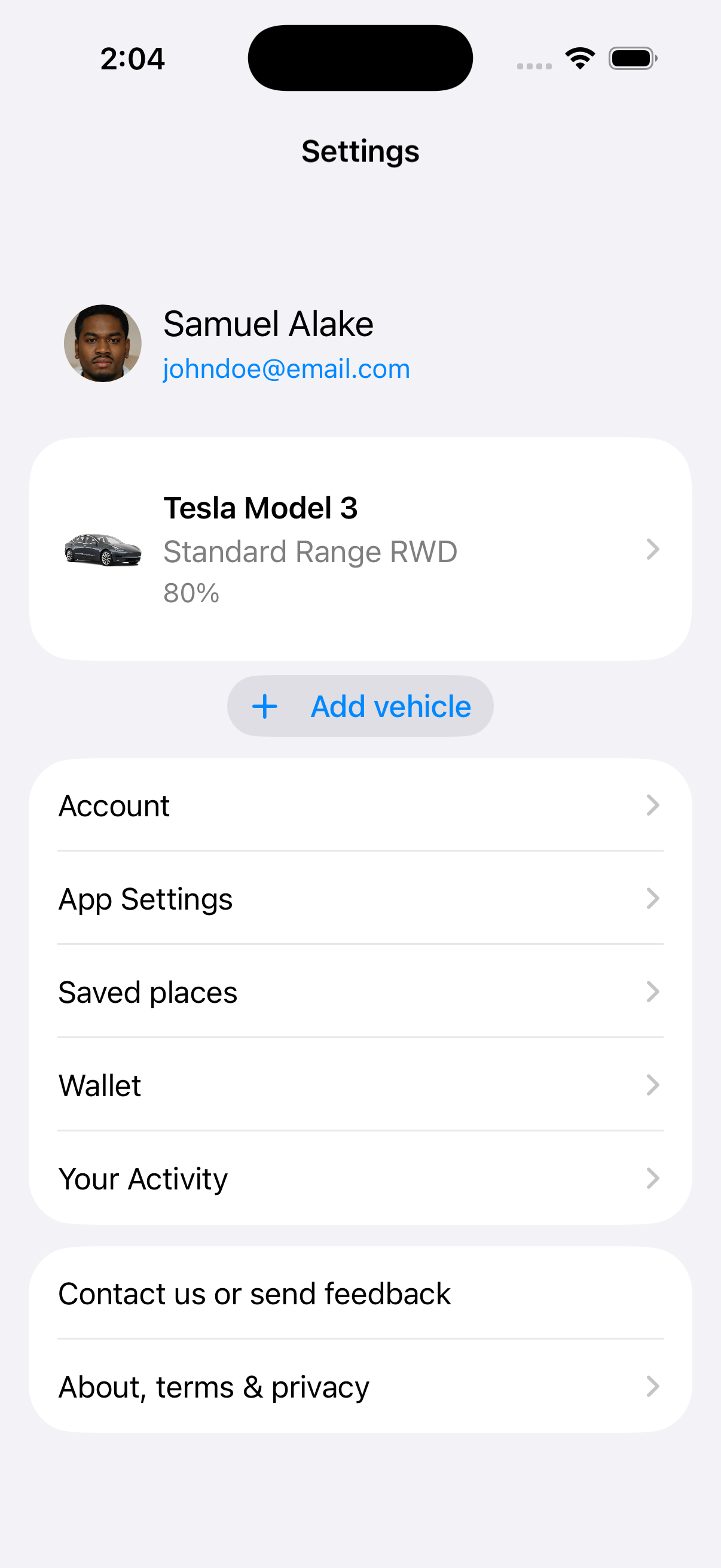
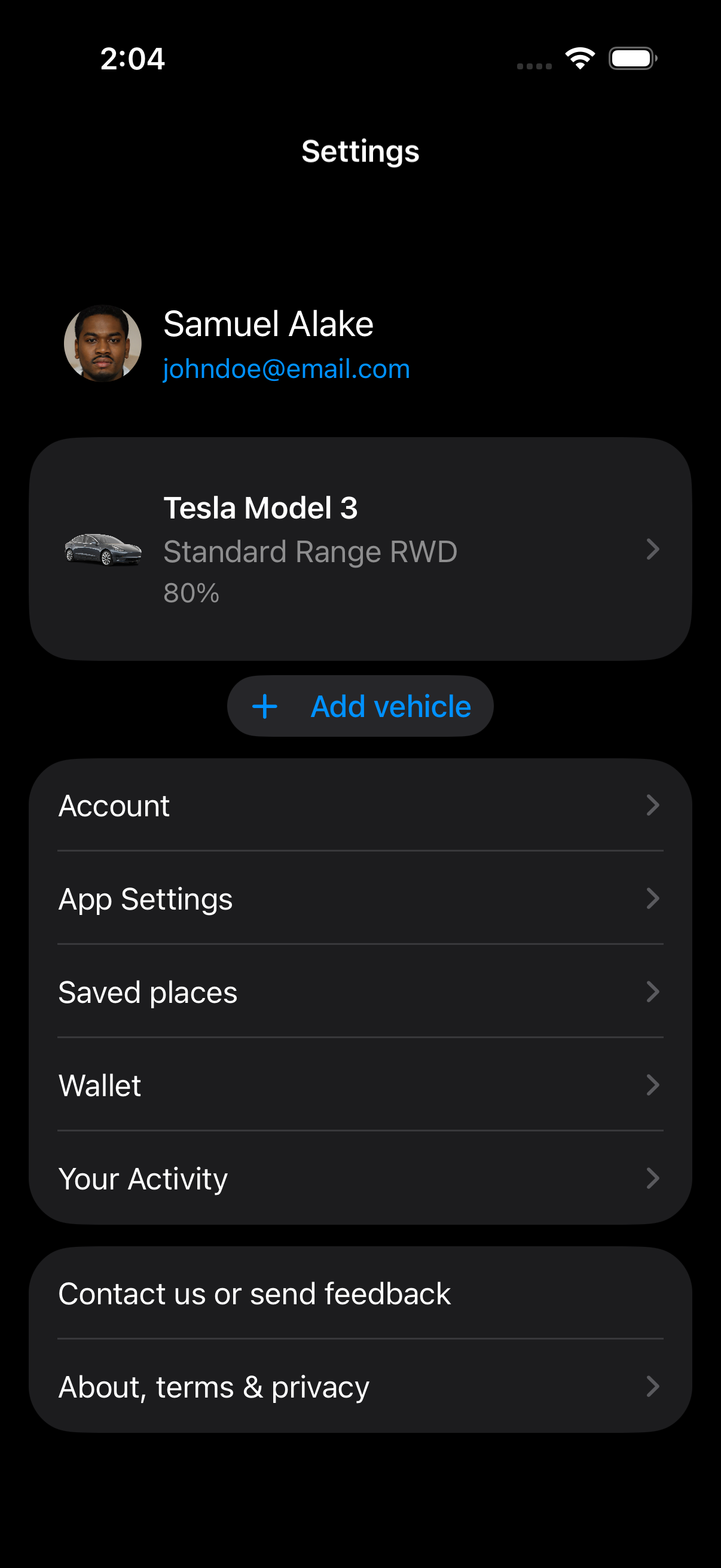
It became my first serious attempt to move beyond Figma handoff and build the product system myself: translating Figma flows into SwiftUI surfaces, a reusable UI library, and app-ready product views.
I framed the problem, designed the product in Figma, translated the UI into SwiftUI, and built the product system around three core jobs:
- Discover: find the right charging station.
- Navigate: preview the route and understand the charging plan.
- Use: choose a charger, start a session, and pay or hand off when needed.
Problem and opportunity
At the time, planning an EV trip often meant jumping between apps. A simple trip could require one app for directions, one for vehicle charge state, and another for paying at the station.
That created practical trip anxiety:
- Will this route work with my current charge?
- Is a compatible charger actually available?
- Can I reserve, start, or pay for the session without downloading another network-specific app?
The bigger idea was an e-mobility service provider: one app that could help drivers find chargers, navigate to them, and eventually pay across charging networks while still understanding their vehicle.
The gap was between maps apps and charging apps. Apple Maps and Google Maps showed that EV routing could live inside maps, but vehicle support and battery context were still uneven. Charging apps helped with station discovery, network access, and payment, but they often left vehicle context outside the trip decision.
 Google Maps
 Apple Maps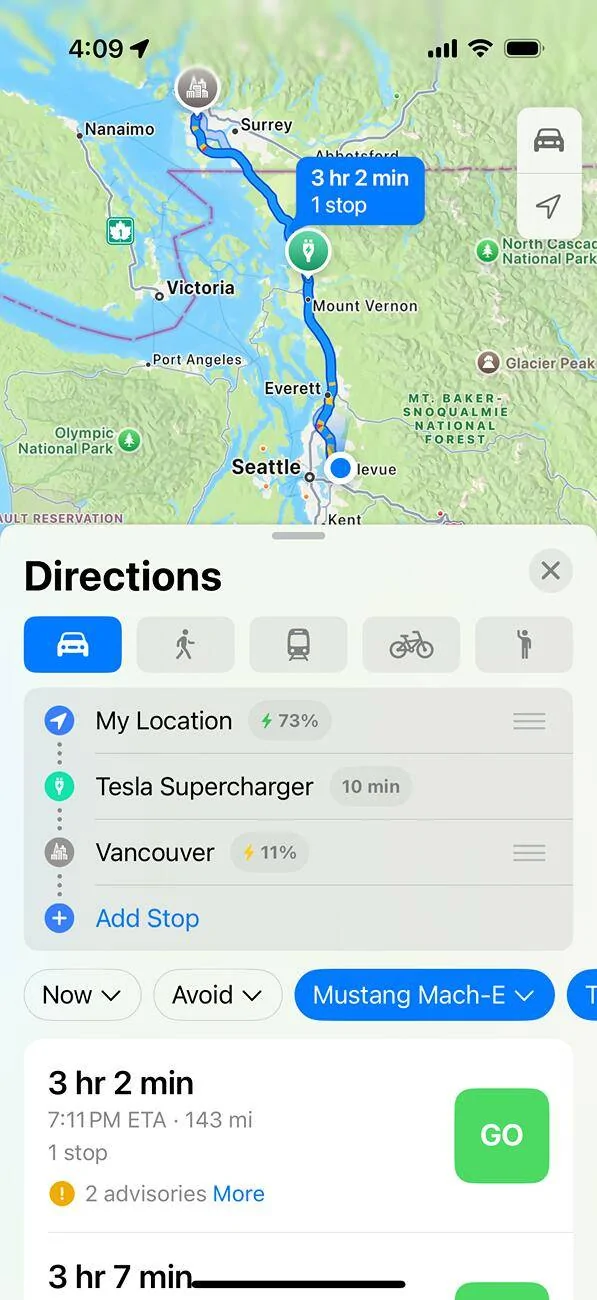
 Elton
Elton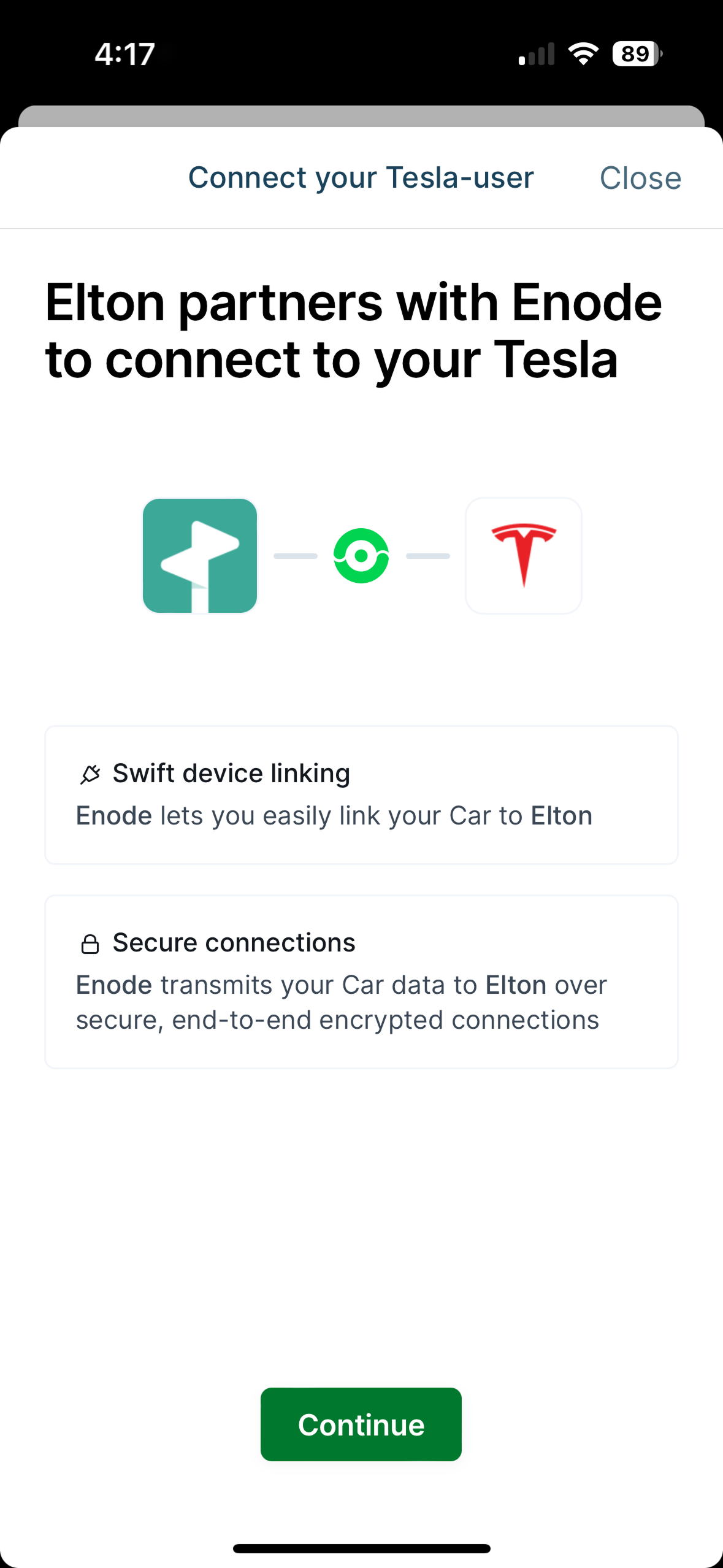
 ChargeHub
 ChargePoint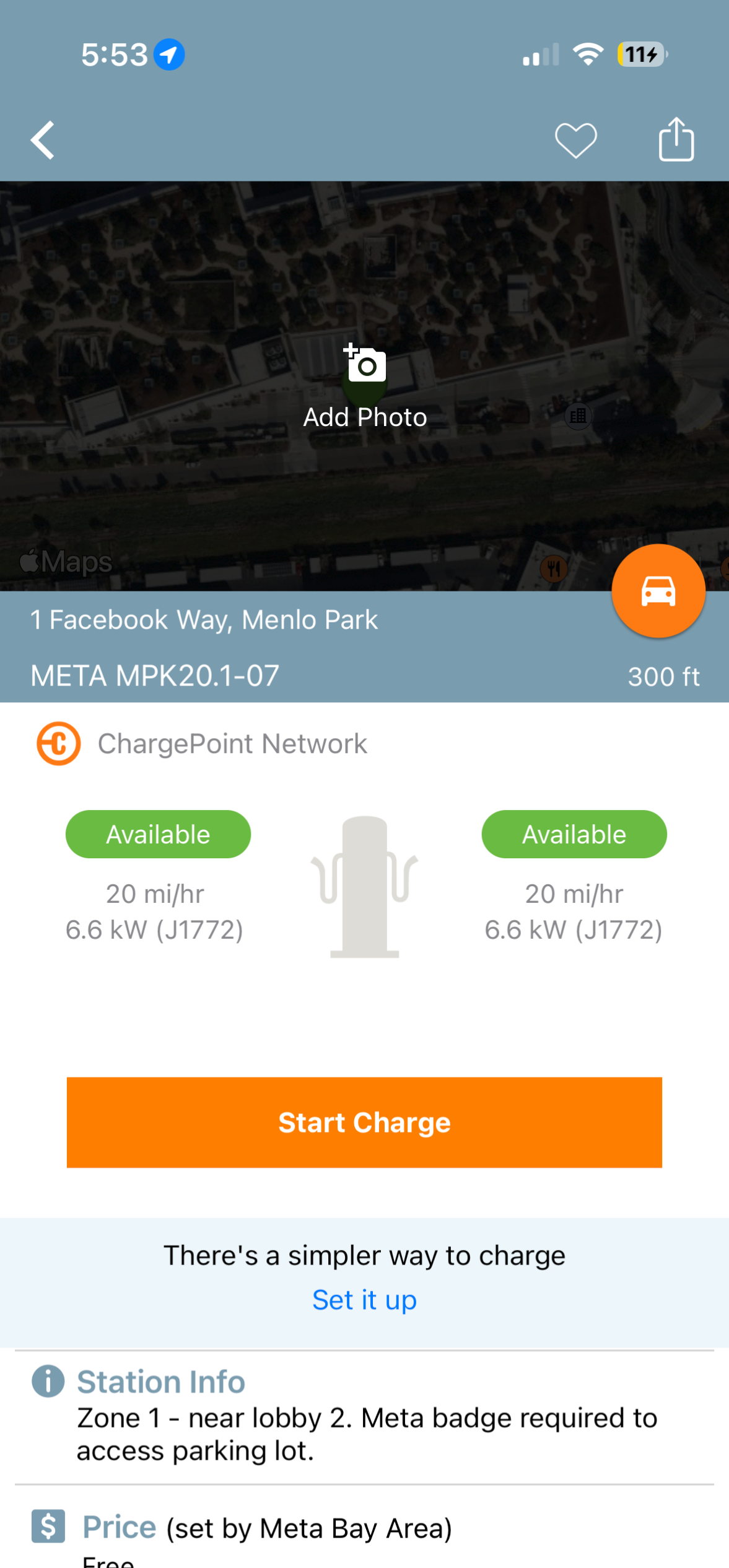
Team and role
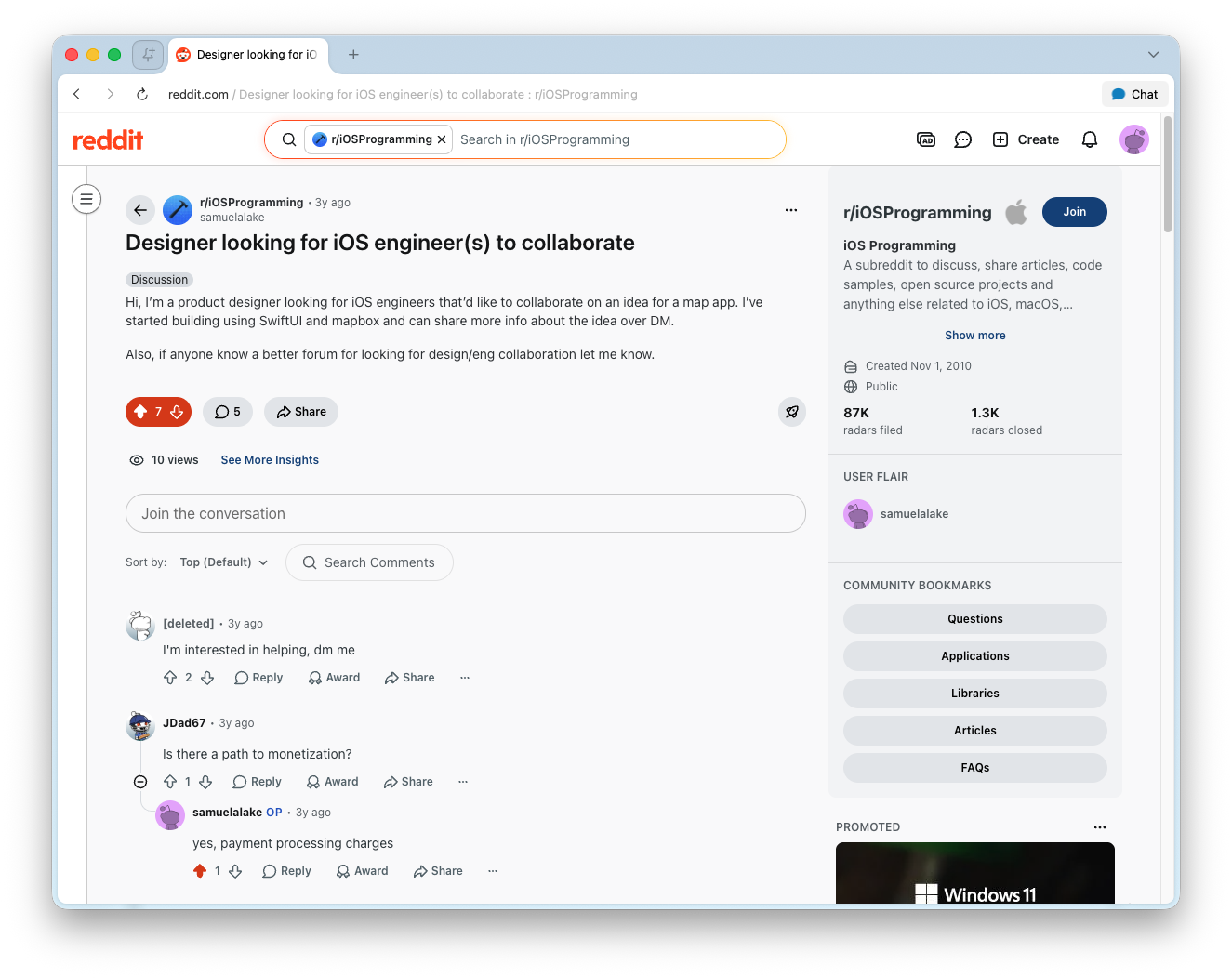
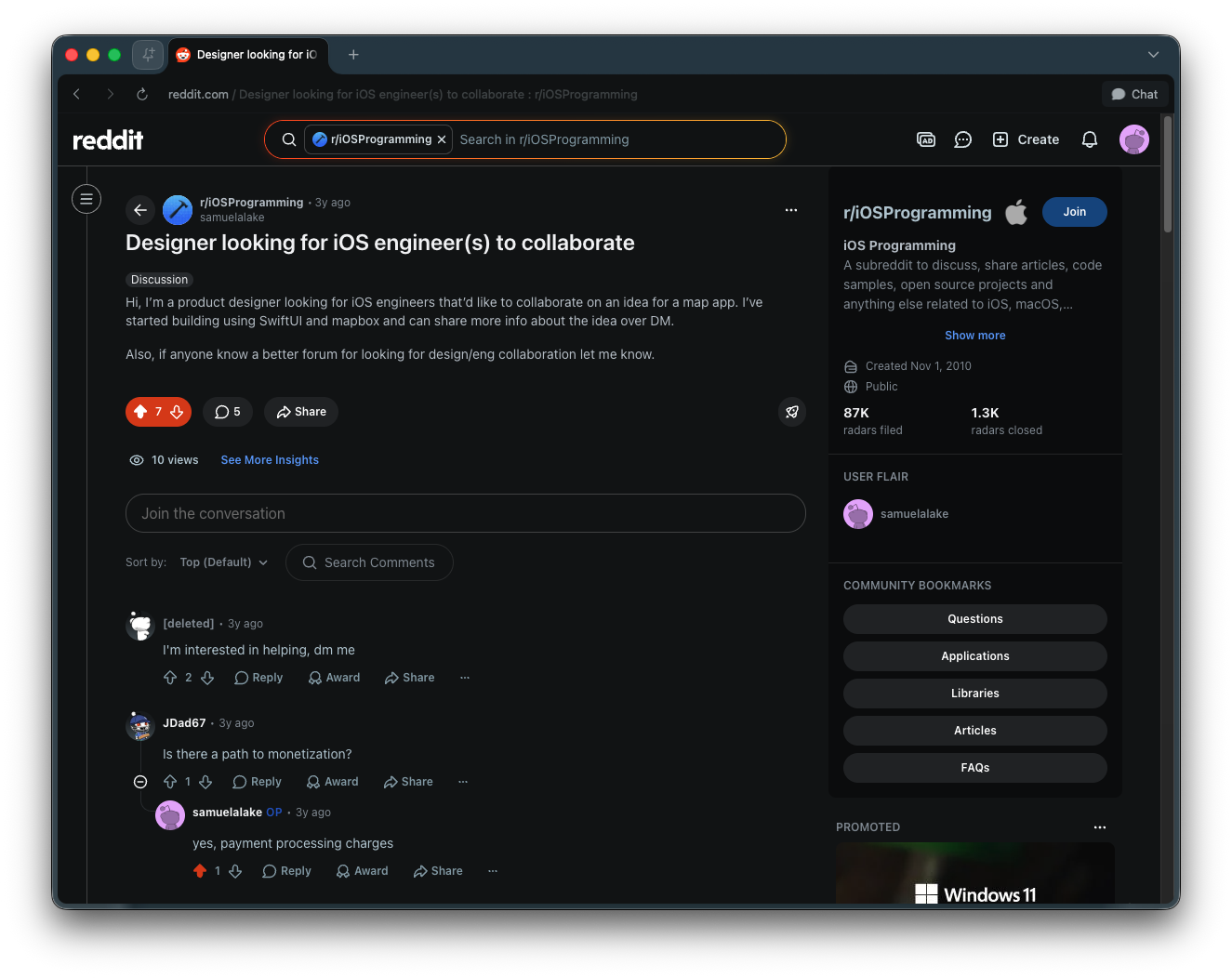
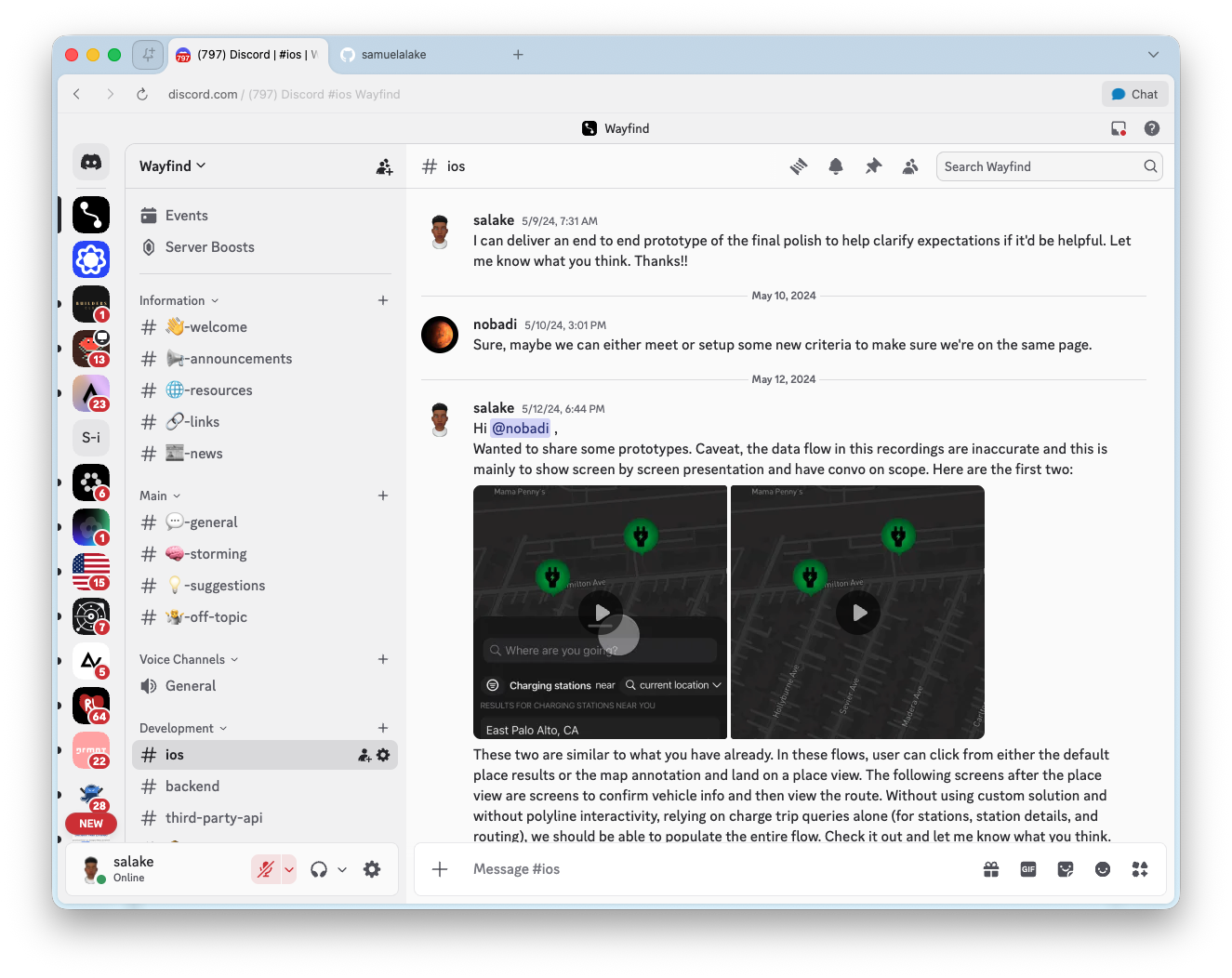
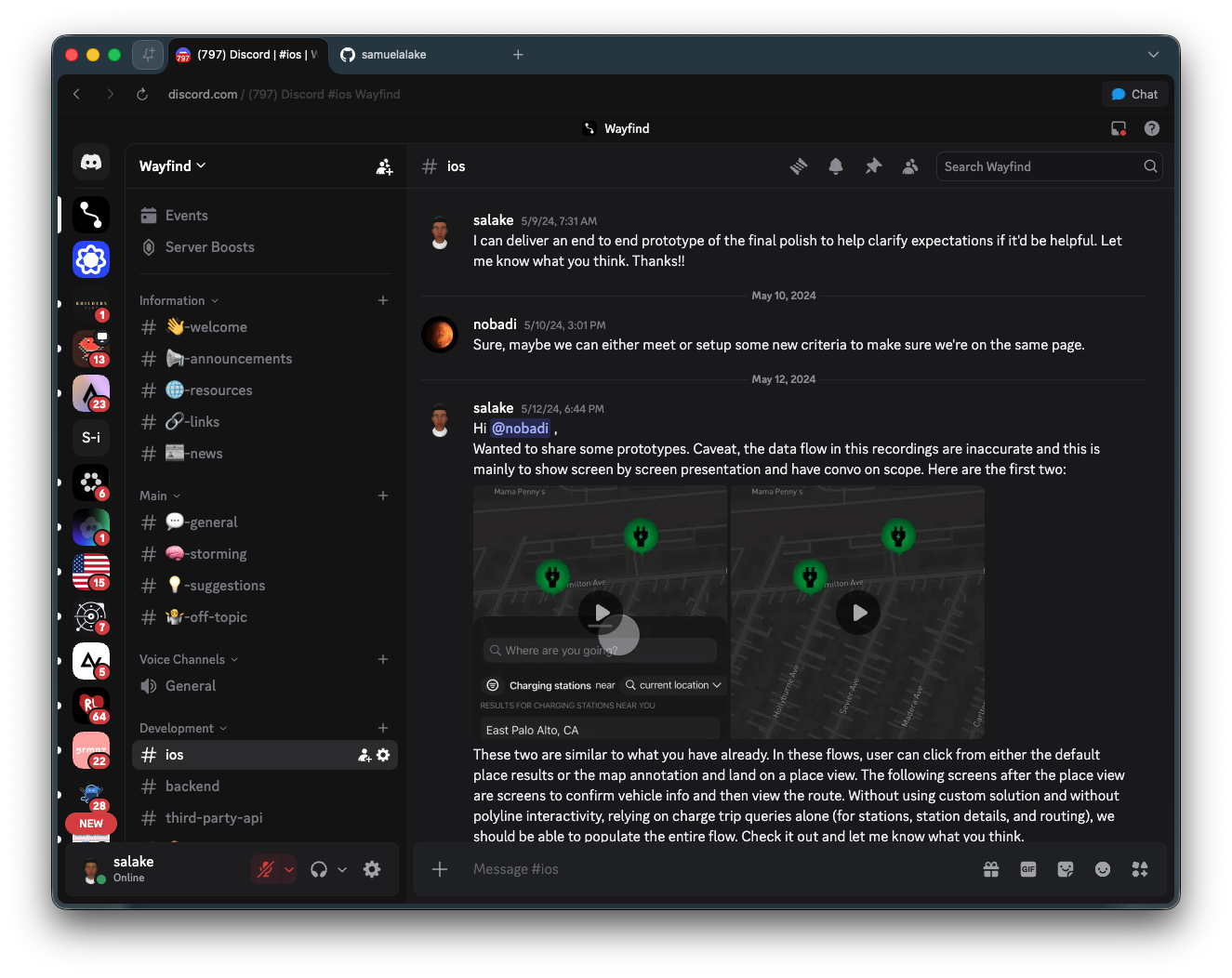
I initiated Wayfind and found contributors through a Reddit post. Nikolai Nobadi became one of the strongest contributors to the project.
My direct role was product and design engineering:
- I framed the EV problem and product opportunity.
- I designed the product flows and interface system in Figma and built it in SwiftUI.
- I worked through the product system: search, charging, settings, vehicle context, saved places, route planning, and API/vendor choices.
- I collaborated with engineering support as the project moved from UI library work toward integration in the app.
Solution and approach
Two concerns shaped every part of the product: vehicle context and vendor strategy.
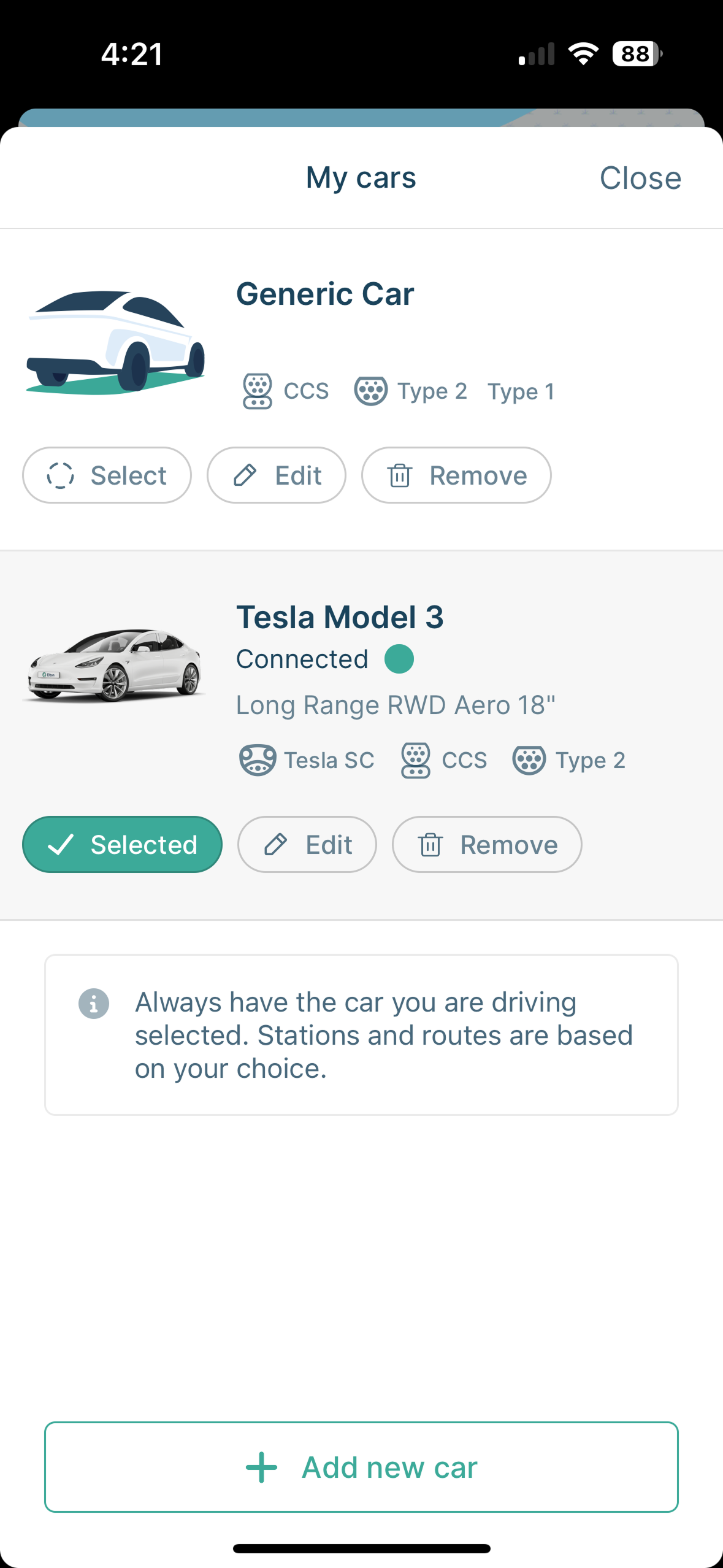
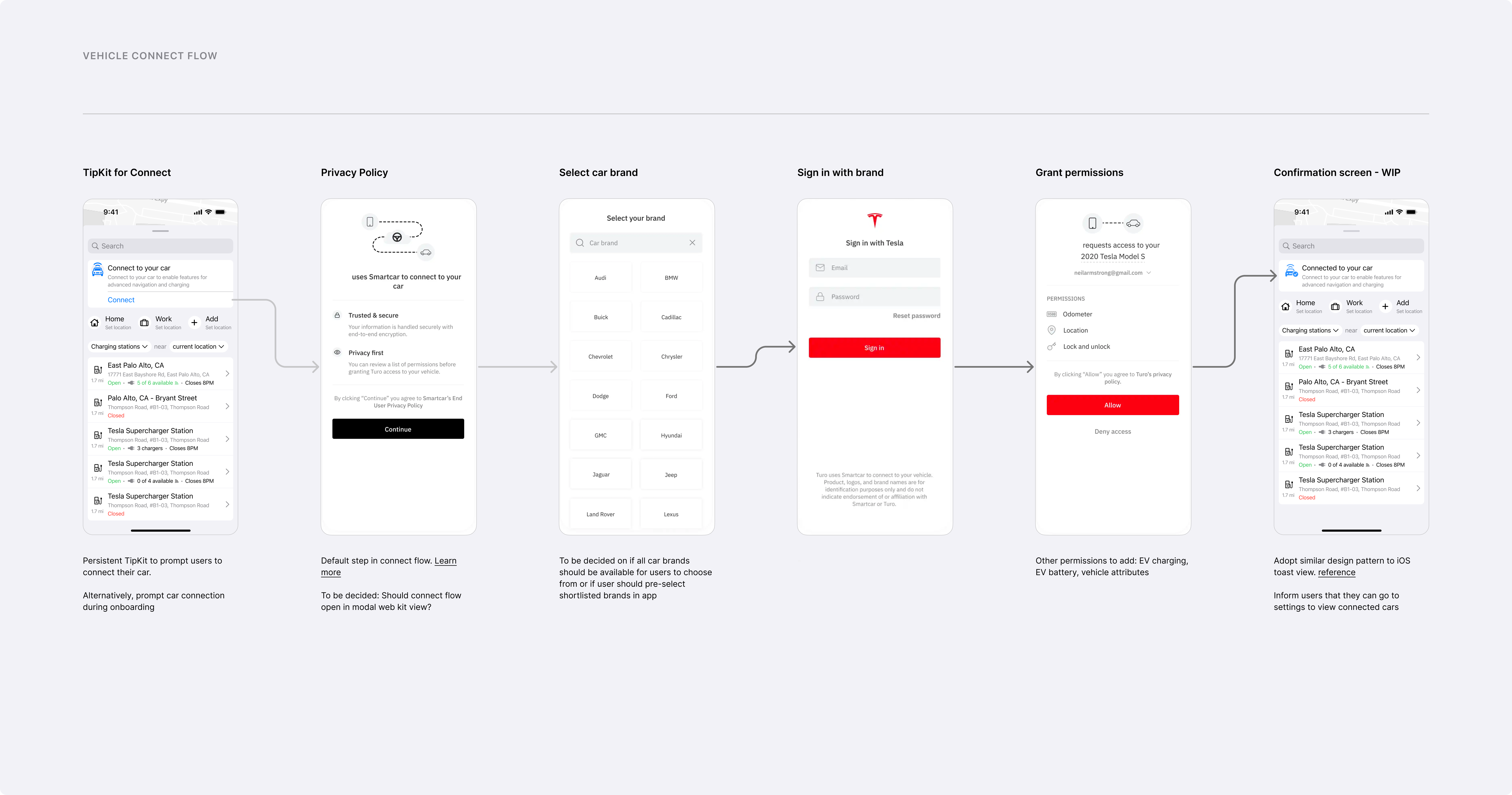
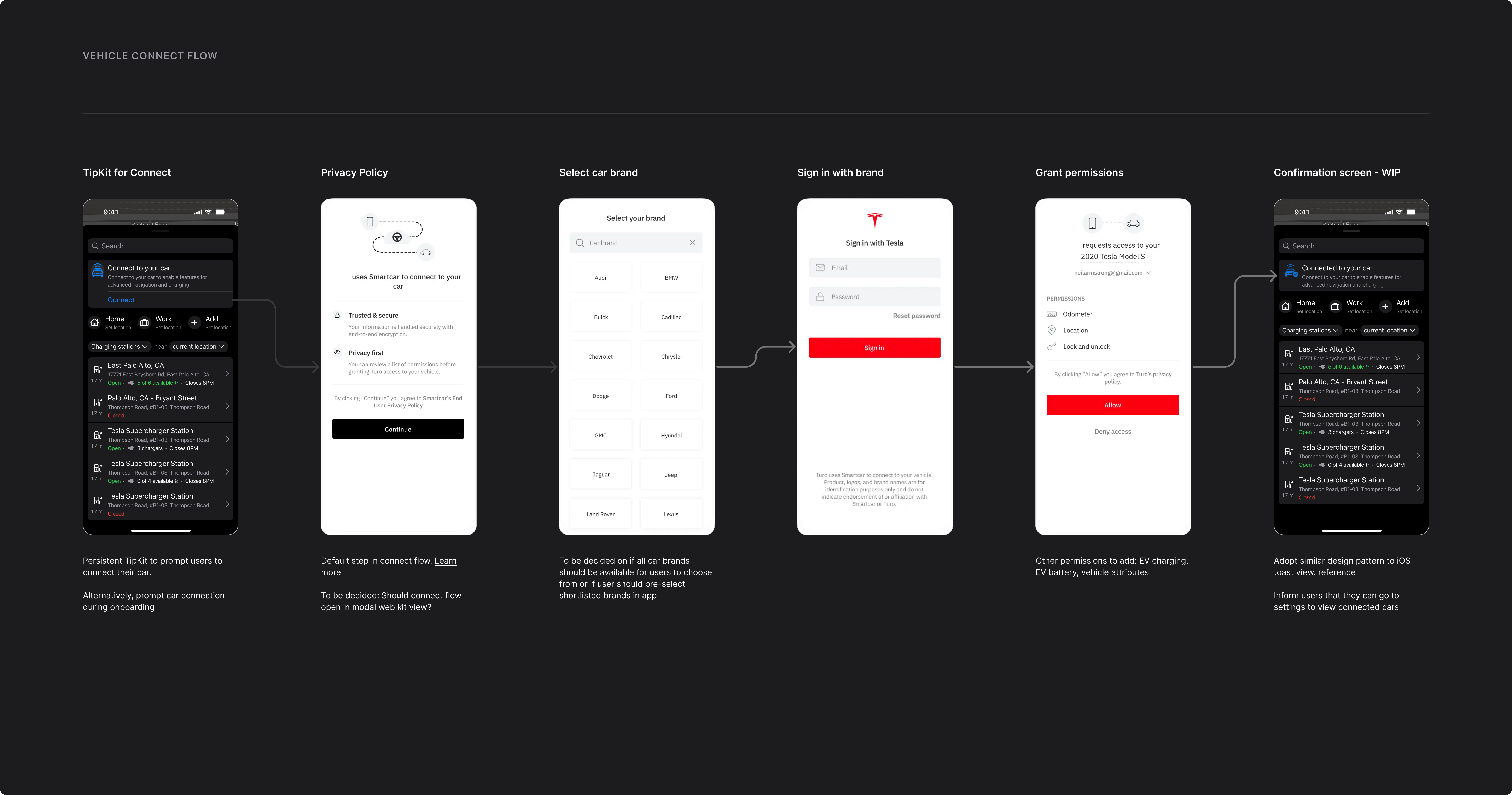
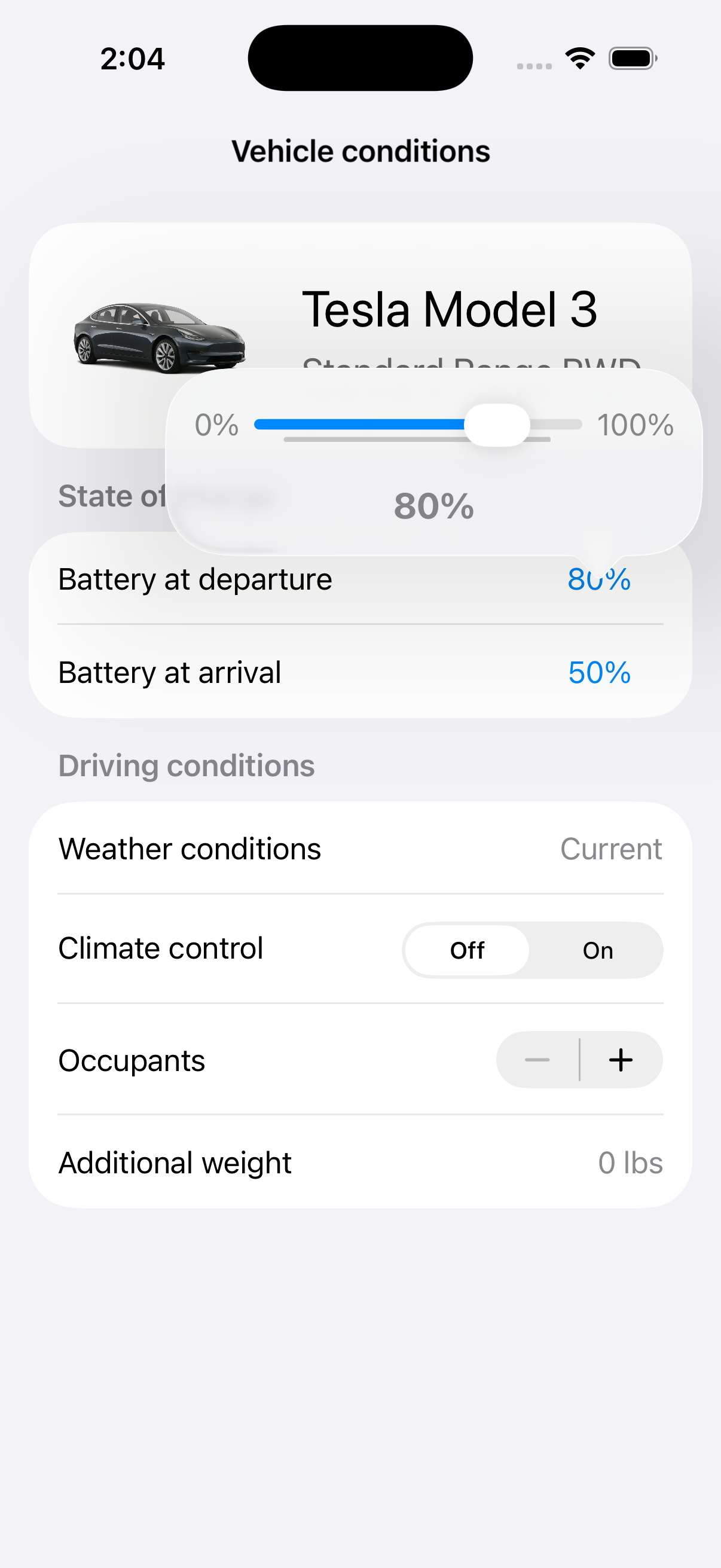
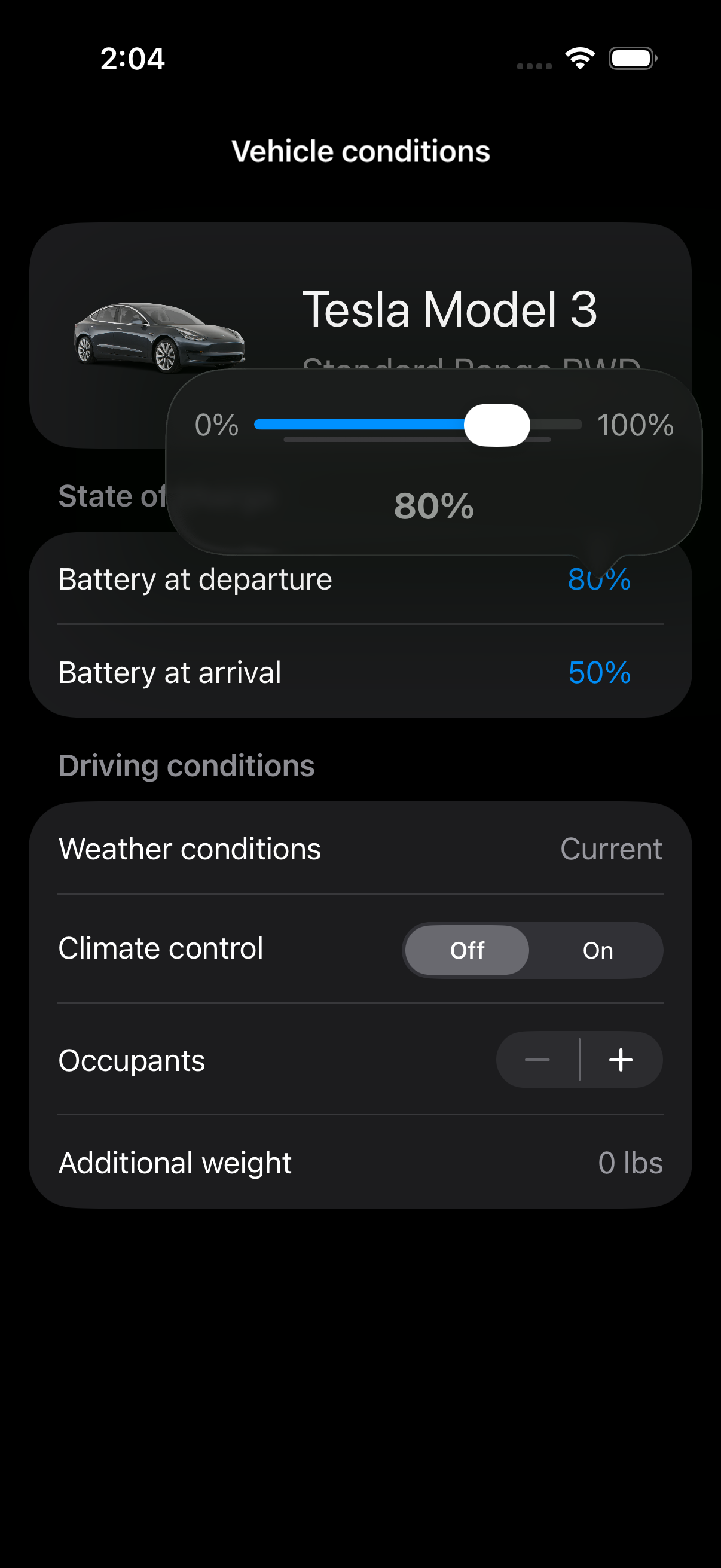
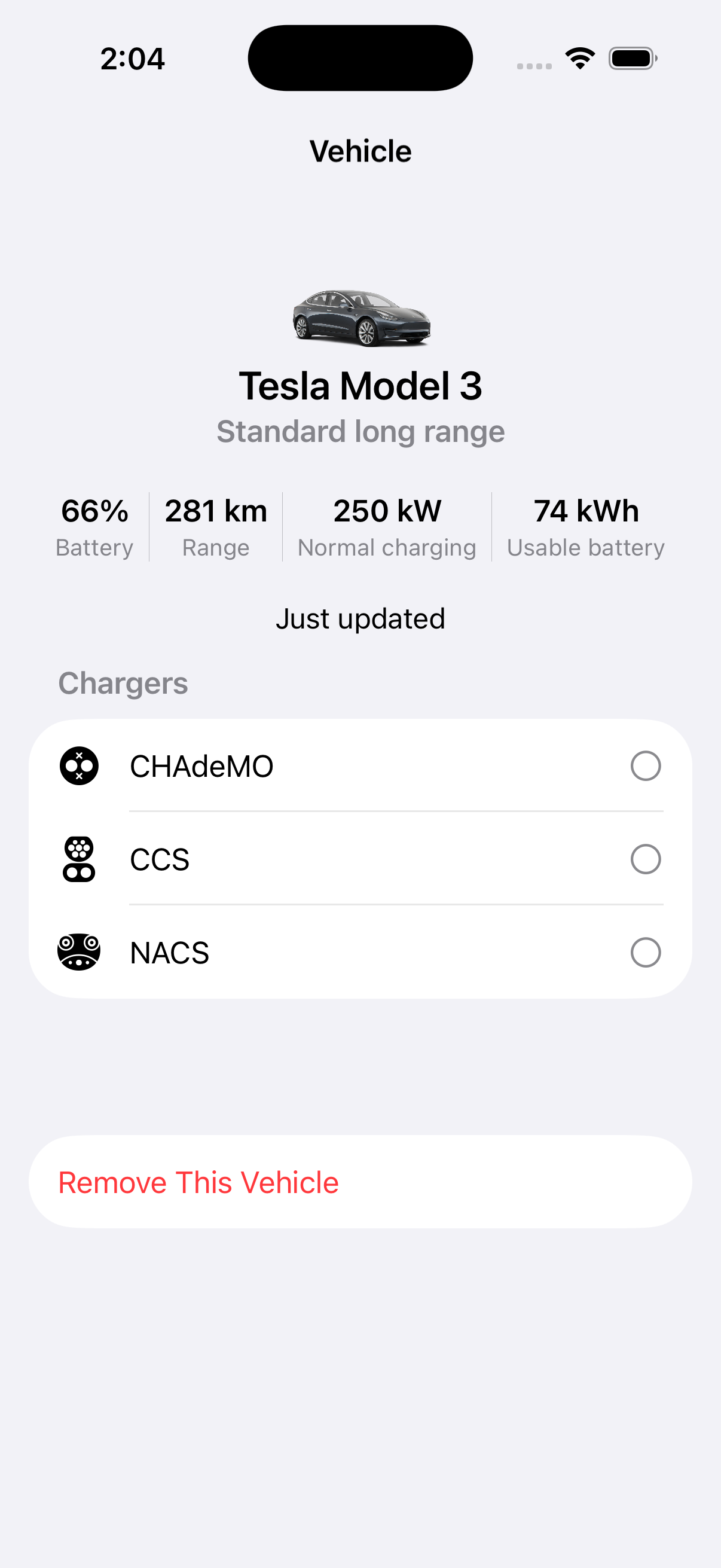
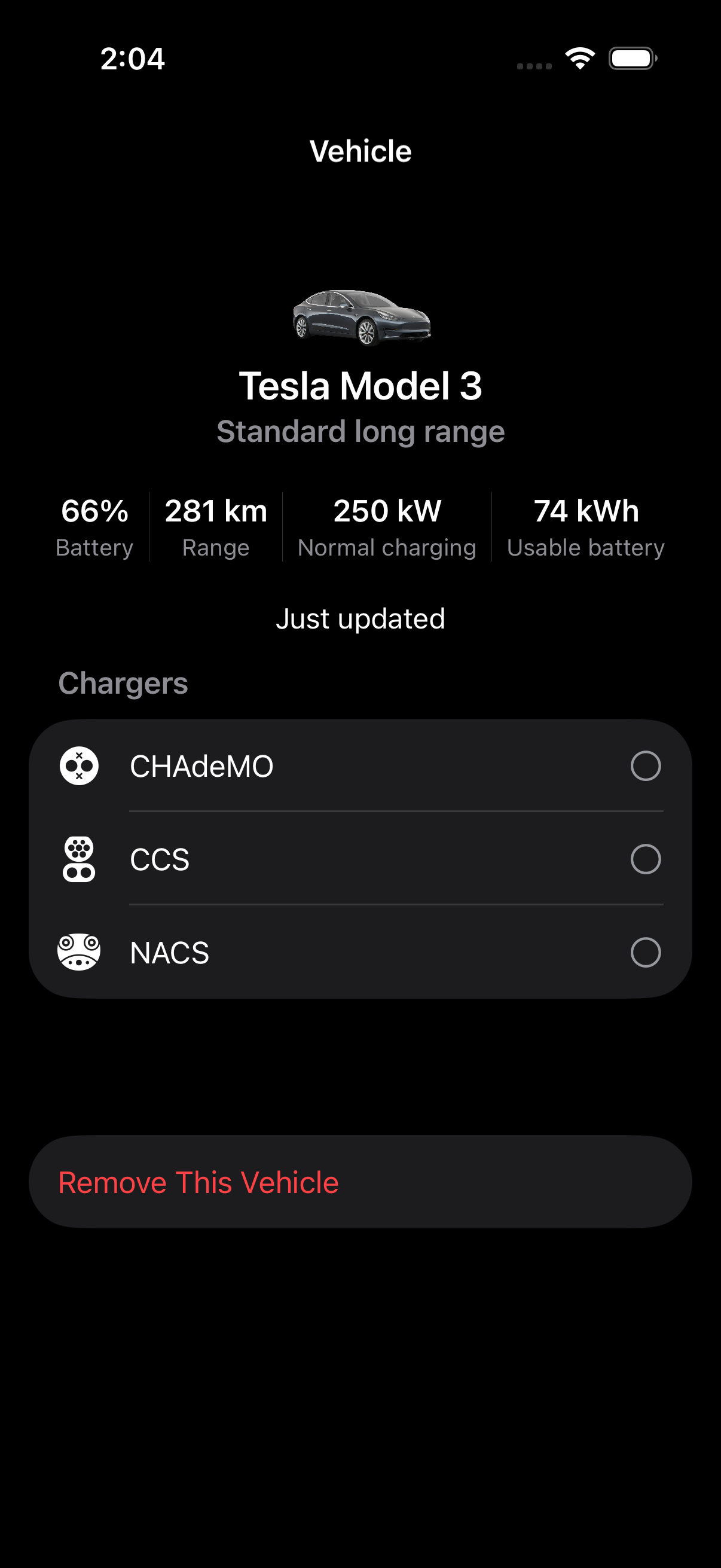
Vehicle context shaped the quality of every recommendation. A charger or route is only useful if it makes sense for the actual car: current charge, vehicle model, range assumptions, and connector compatibility. To make that reliable, the product needed permissioned access to vehicle data.
Vendor choices shaped what we could build first. Every major feature raised a build-or-integrate question: search, routing, station data, availability, payment, and vehicle connection. For each one, I had to decide whether to use a native API, use a vendor, pursue a partnership, or choose a simpler path for the first version.
Discover
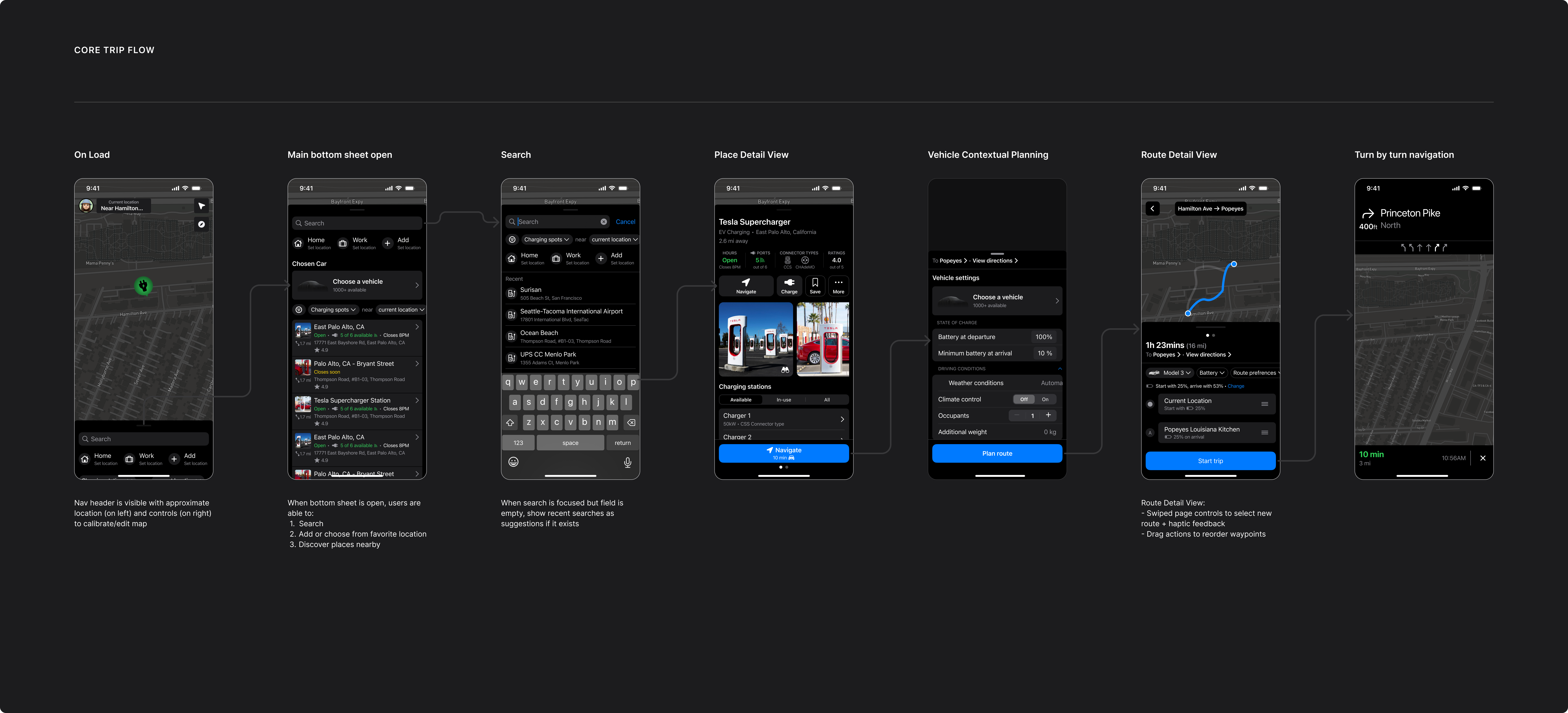
The first job was discovery: helping a driver find the right charging station. Parking and stops were possible expansions, but charging was the first priority.
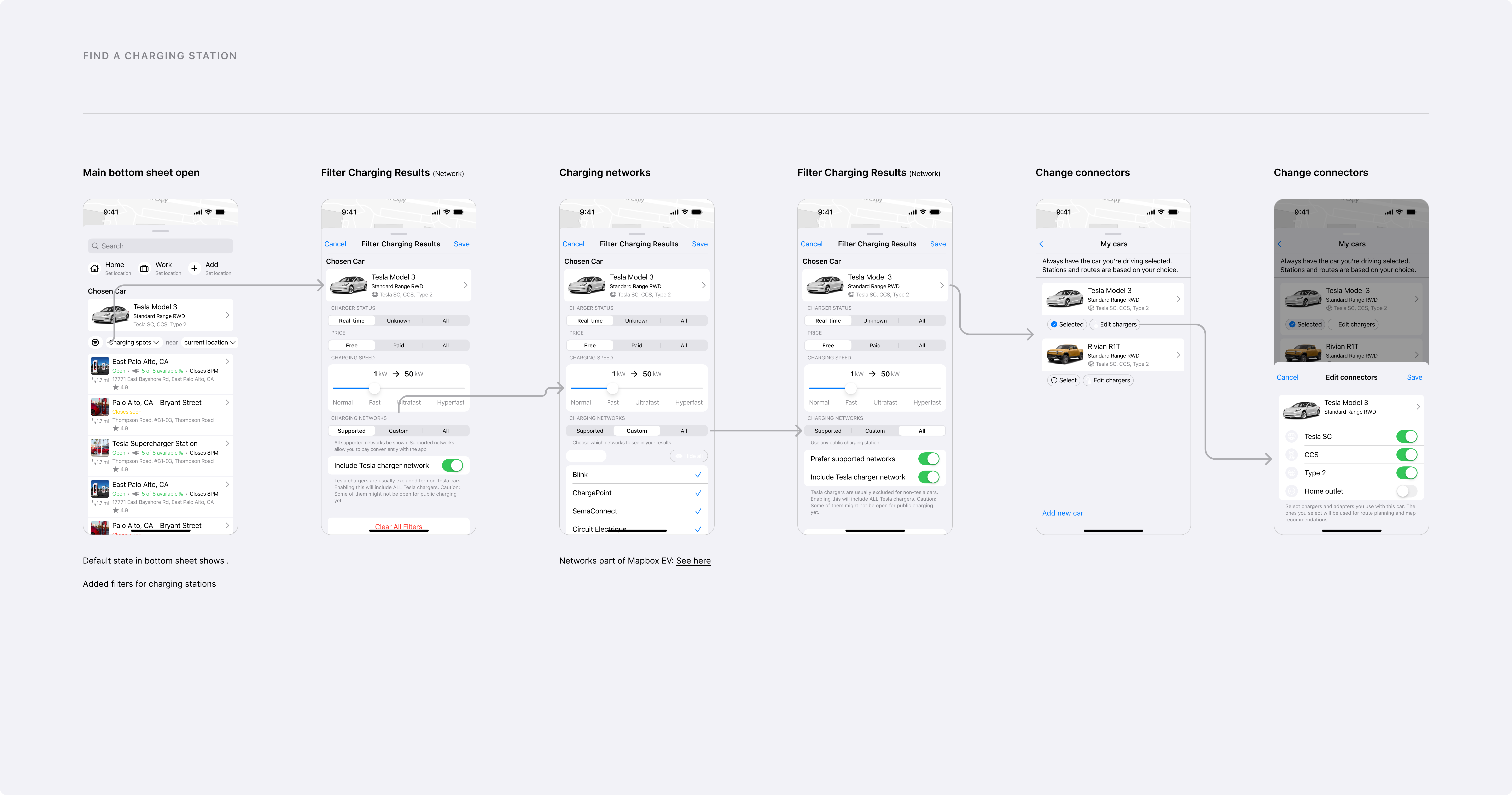
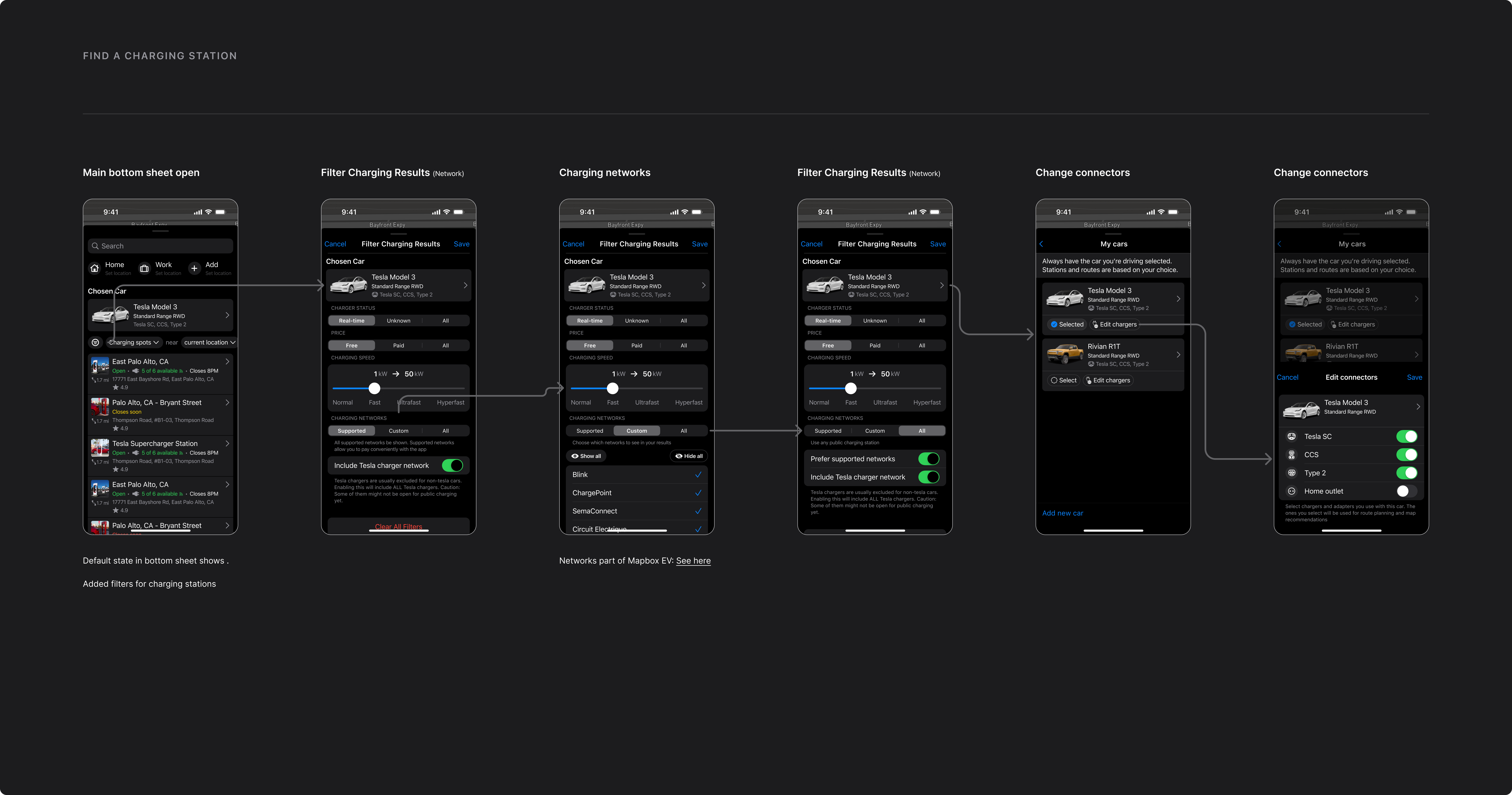
EV search is not the same as local search. A useful charger result needs to account for charging speed, network, connector compatibility, and whether the station makes sense for the driver’s vehicle and route.
I broke discovery into smaller parts:
- Map rendering and annotations.
- Place search.
- Charging-station search.
- Station data.
- Saved places and favorites.
Navigate
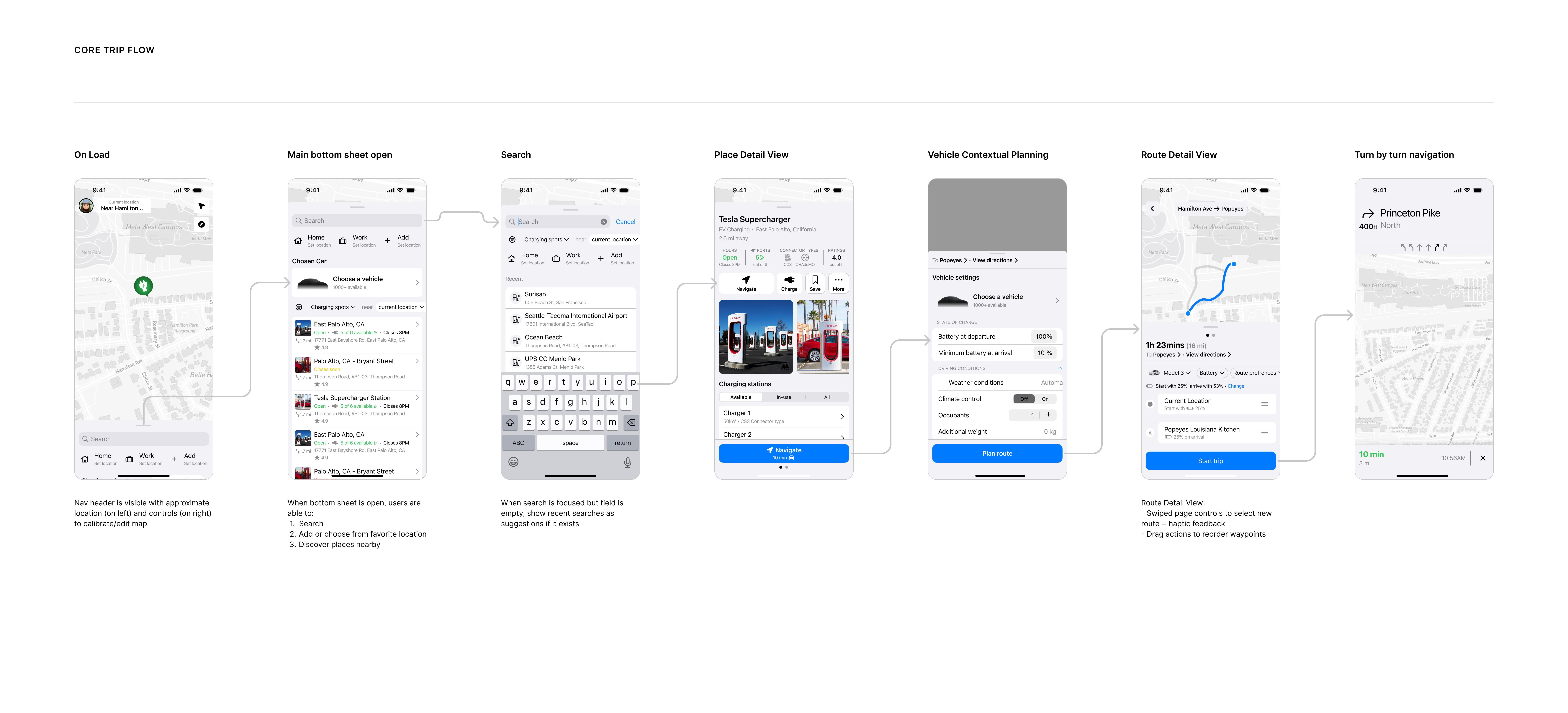
If Wayfind was going to support trips, it needed to do more than show a station on a map. A driver expects enough direction, ETA, and route context to understand what a trip will require before committing to it.
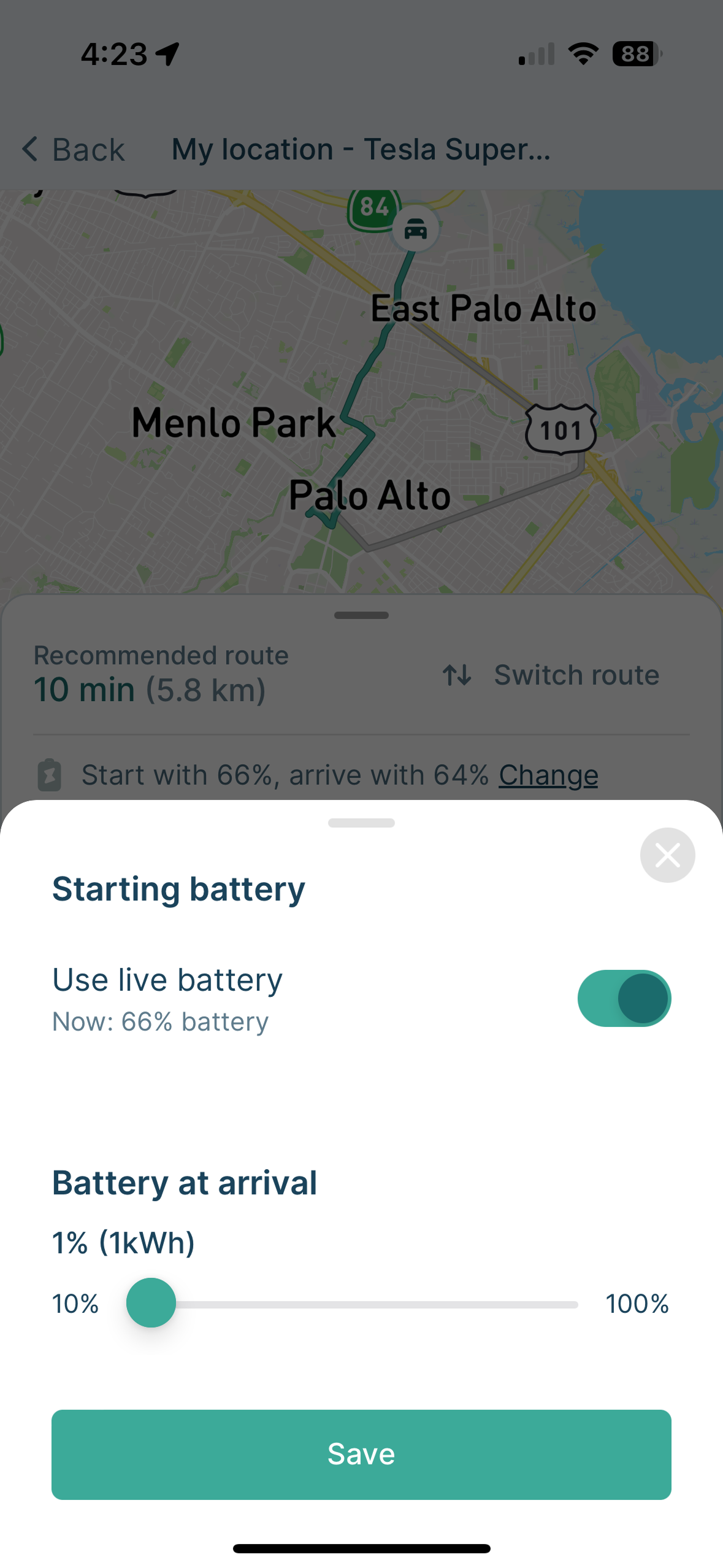
There were two levels to the problem. The first was route planning: create the route, show the steps, and help the driver understand the charging-aware plan. The second was full turn-by-turn navigation: live guidance, rerouting, ETA updates, and the deeper interaction patterns people expect from Apple Maps or Google Maps. That second level was a much harder product and technical problem than a route preview.
I evaluated three practical paths:
- Build a custom MapKit-based solution on top of the base map.
- Use a vendor navigation stack, with Mapbox as the clearest candidate.
- Support route preview and steps in Wayfind, then hand off full turn-by-turn navigation to a dedicated app.
For the first version, the practical decision was to resolve navigation at the route-preview layer. Wayfind could create the route, show the driver the steps and charging context, then hand off turn-by-turn when it was time to drive. That reduced complexity while preserving the thesis: Wayfind could still help the driver choose the right charging stop before navigation began.
Scoping to route preview plus handoff did not make full navigation less important; it clarified where the long-term opportunity lived. Once Wayfind combined route planning with vehicle context, the handoff could become less temporary and grow into richer in-car guidance built around the actual vehicle and the charging session waiting at the destination.
Use
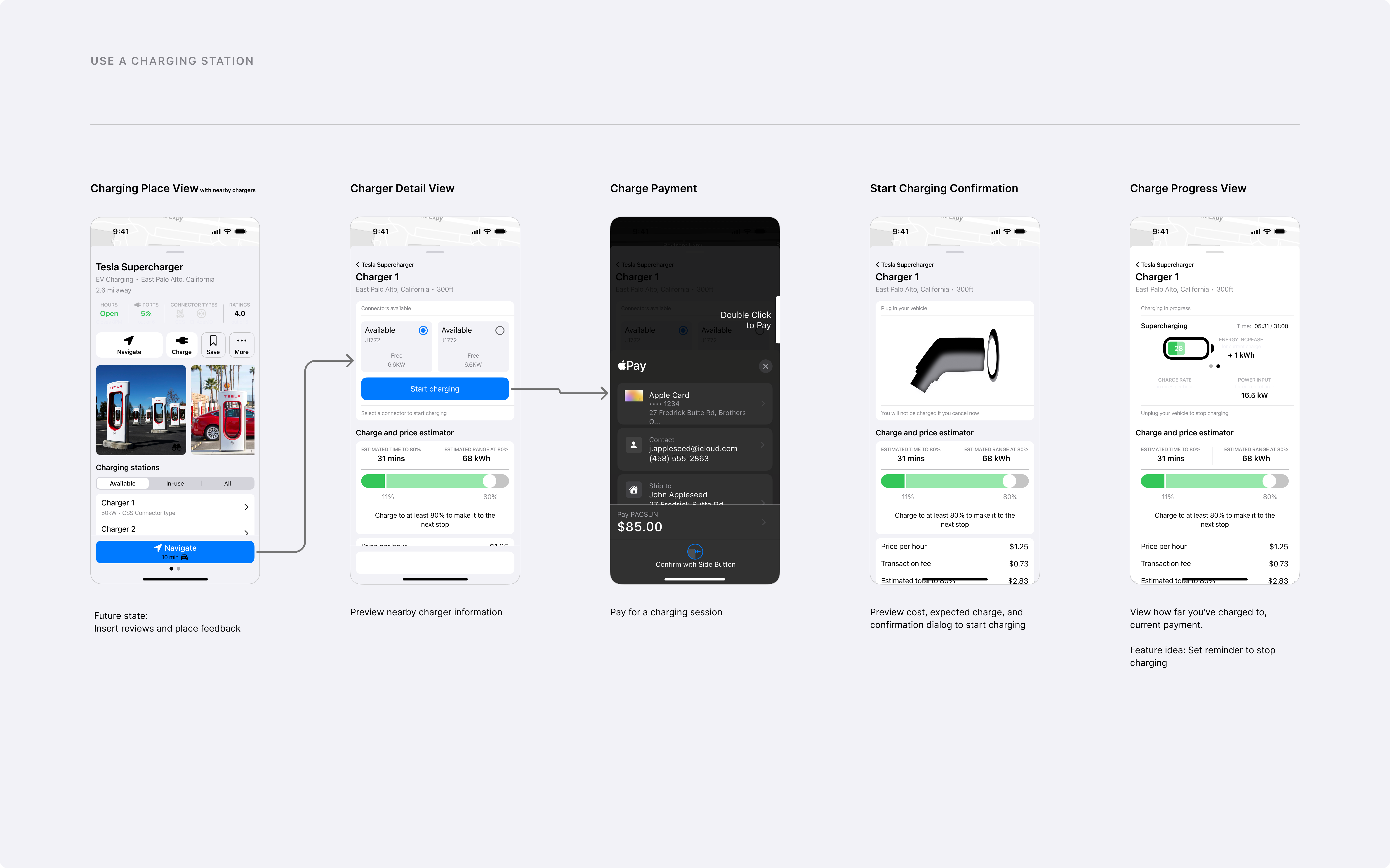
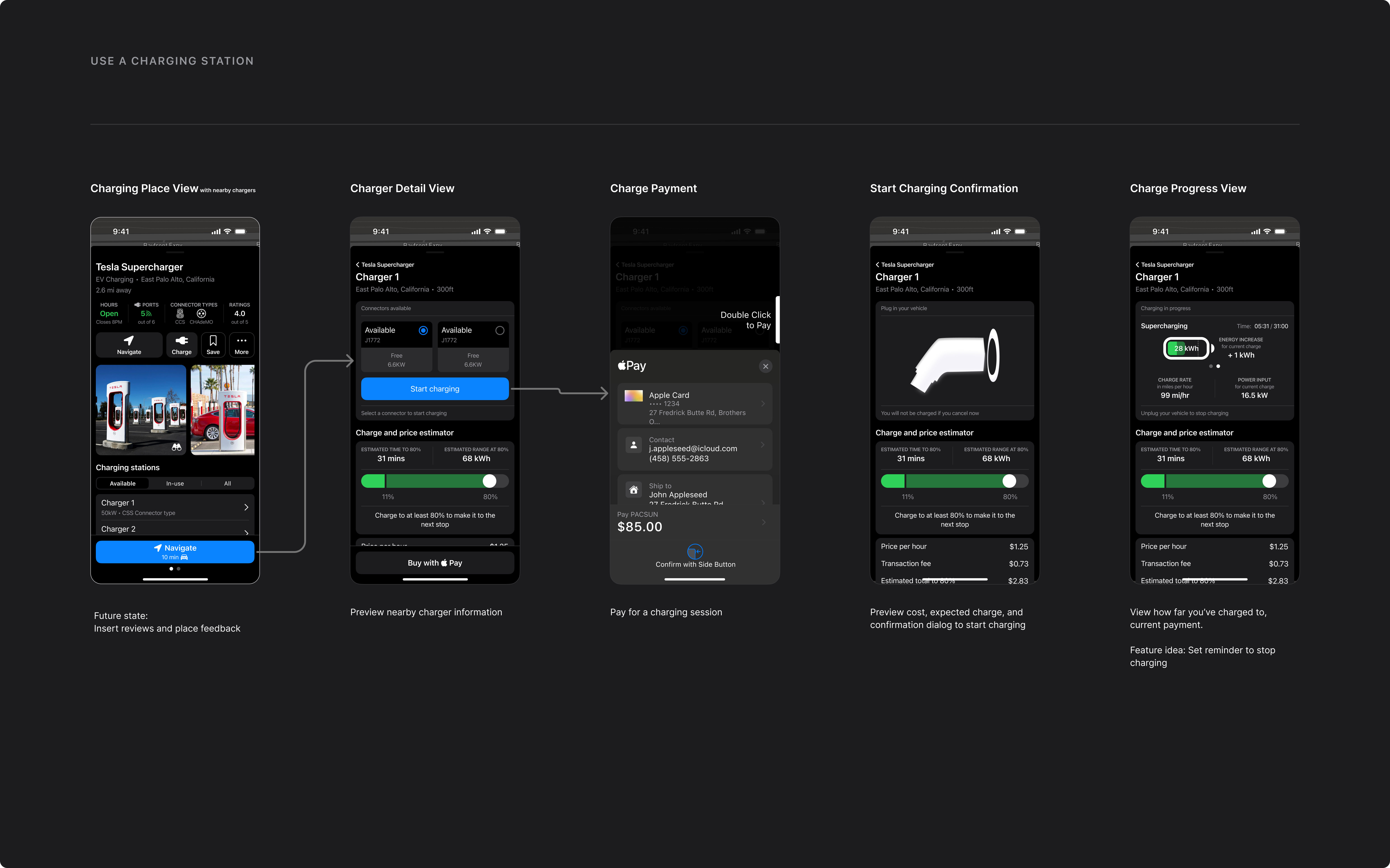
The “Use” job started after the driver chose a charging location: can Wayfind help them choose the right charger, start a session, and pay without sending them into another network app?
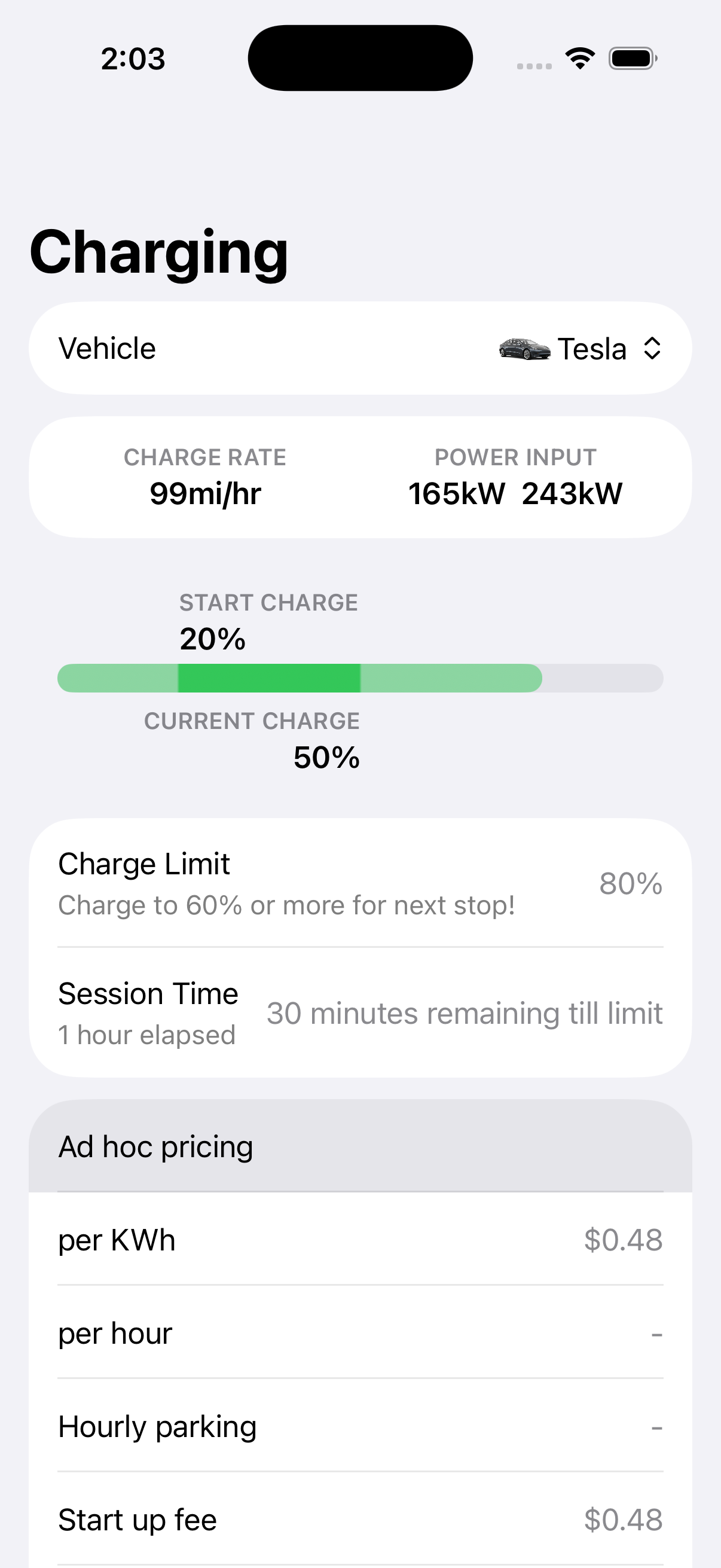
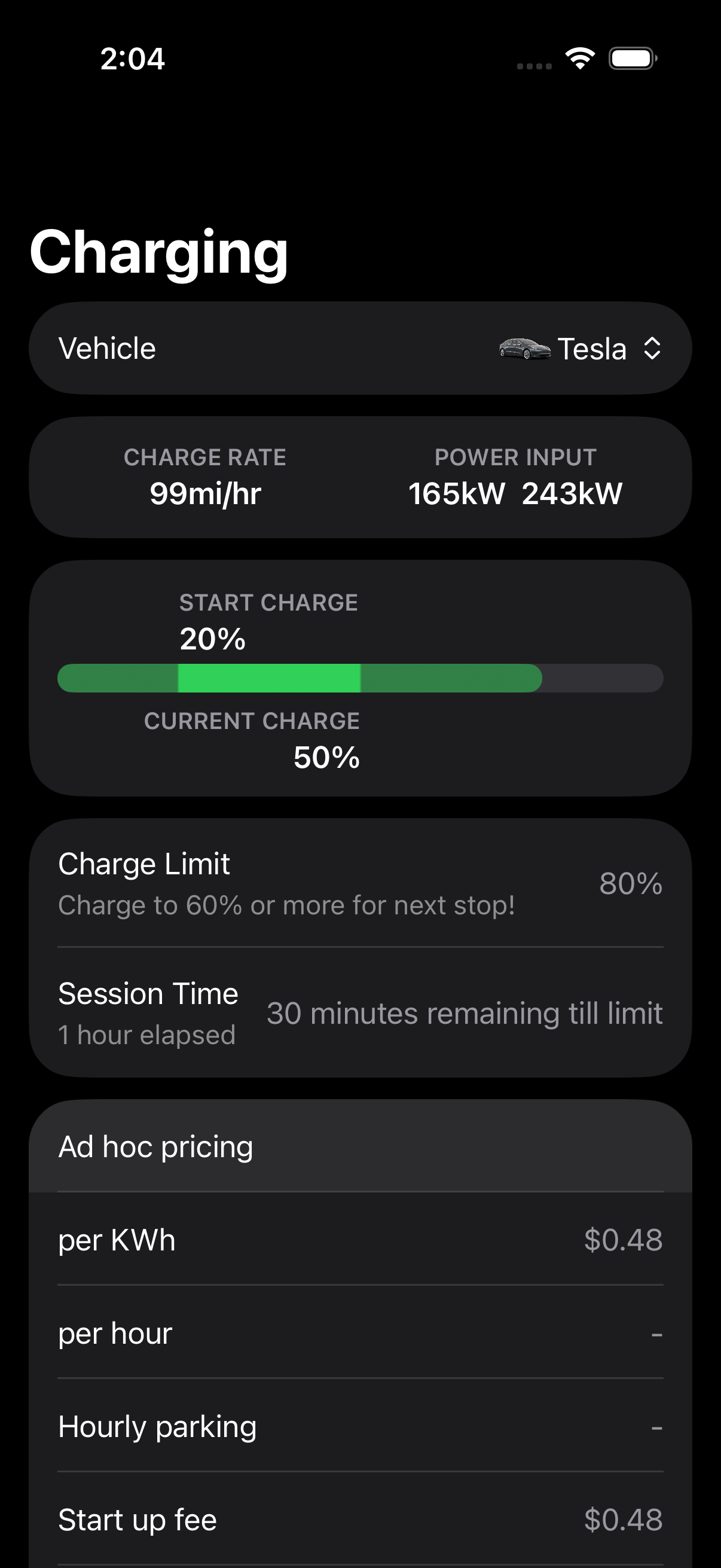
The important actions were choosing the exact charger, checking availability, starting or reserving a session, tracking current charge, and understanding compatibility or station-specific limits.
This is where the business model became more interesting and more constrained. Acting as an eMSP could create a path to transaction fees by connecting drivers to charging operators and payment flows across networks. However, it also created a chicken-and-egg problem: Wayfind needed operator services to create more value for drivers, but operators needed to see enough customer demand to justify the relationship.
For a first MVP, the realistic path was to avoid partnership-heavy integrations. NREL-style public charging data gave the first version a lower-cost way to show charging locations and availability. That let the product test Discover and Navigate before depending on operator partnerships.
Process
The work moved in a loop: Figma flow → SwiftUI component or screen → UI library / product surface → integration path into the app. This was before AI made design-to-code feel as accessible as it does now, so the practical question was whether I could design a view, build it in SwiftUI, and make it concrete enough for an engineer to integrate.
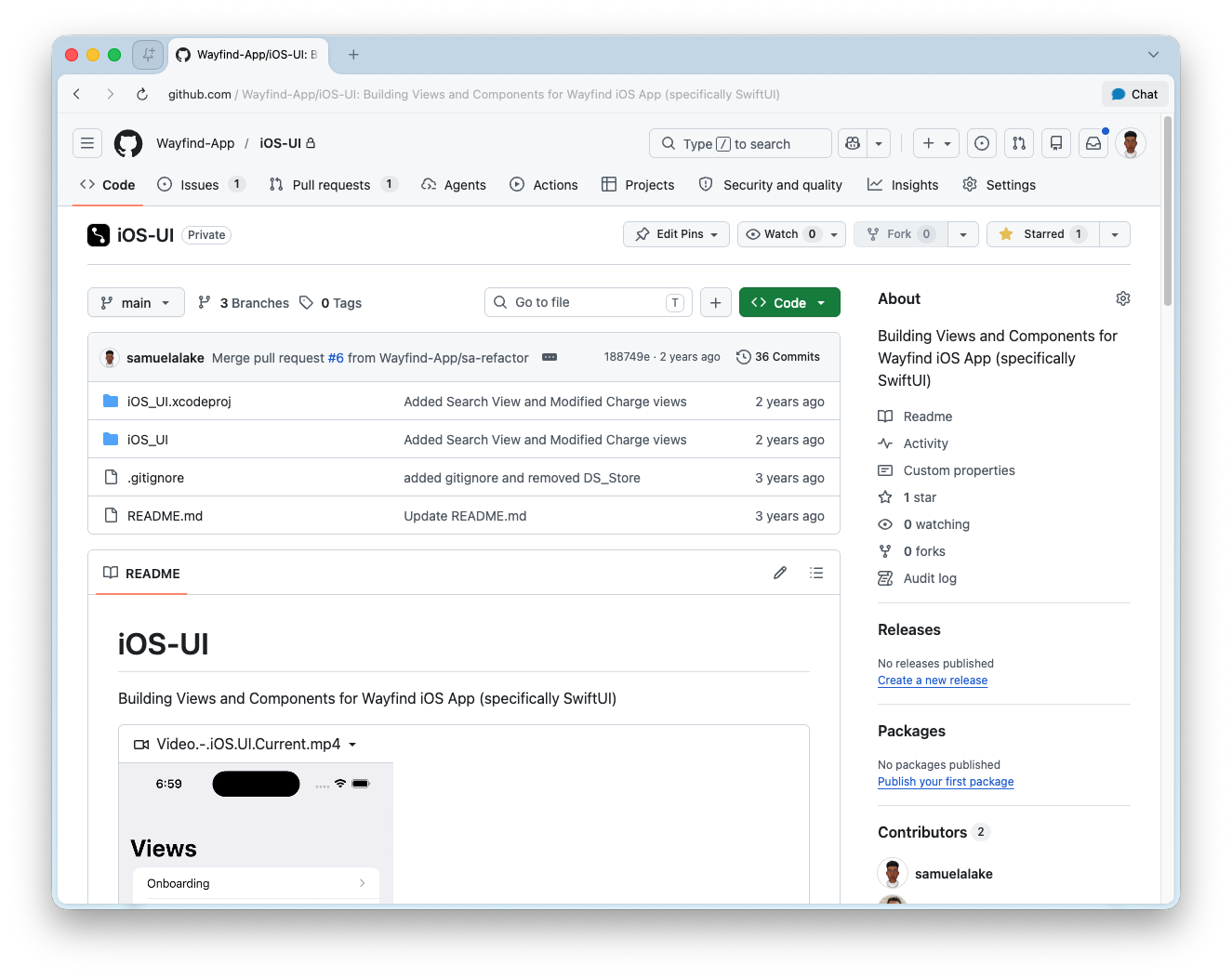
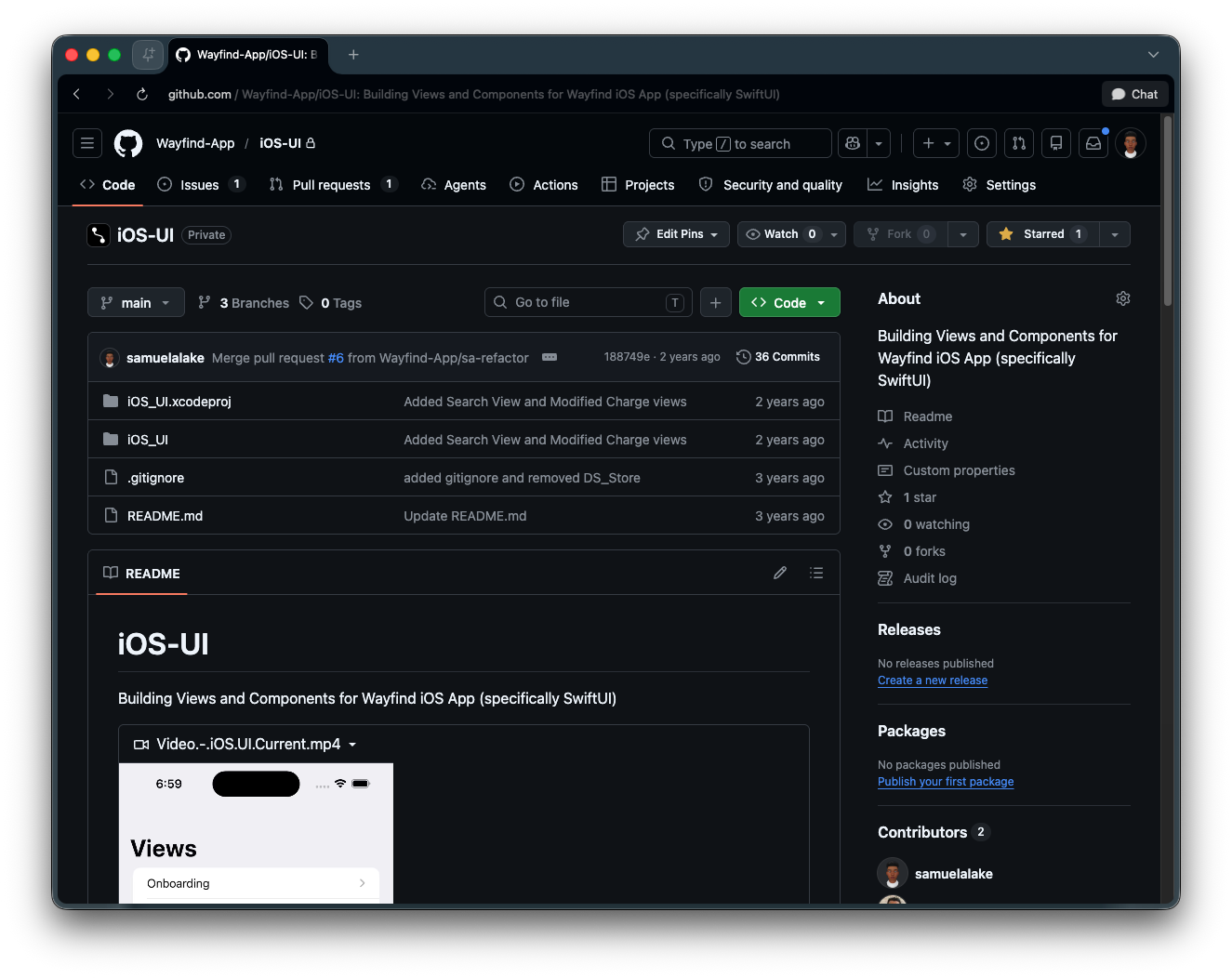
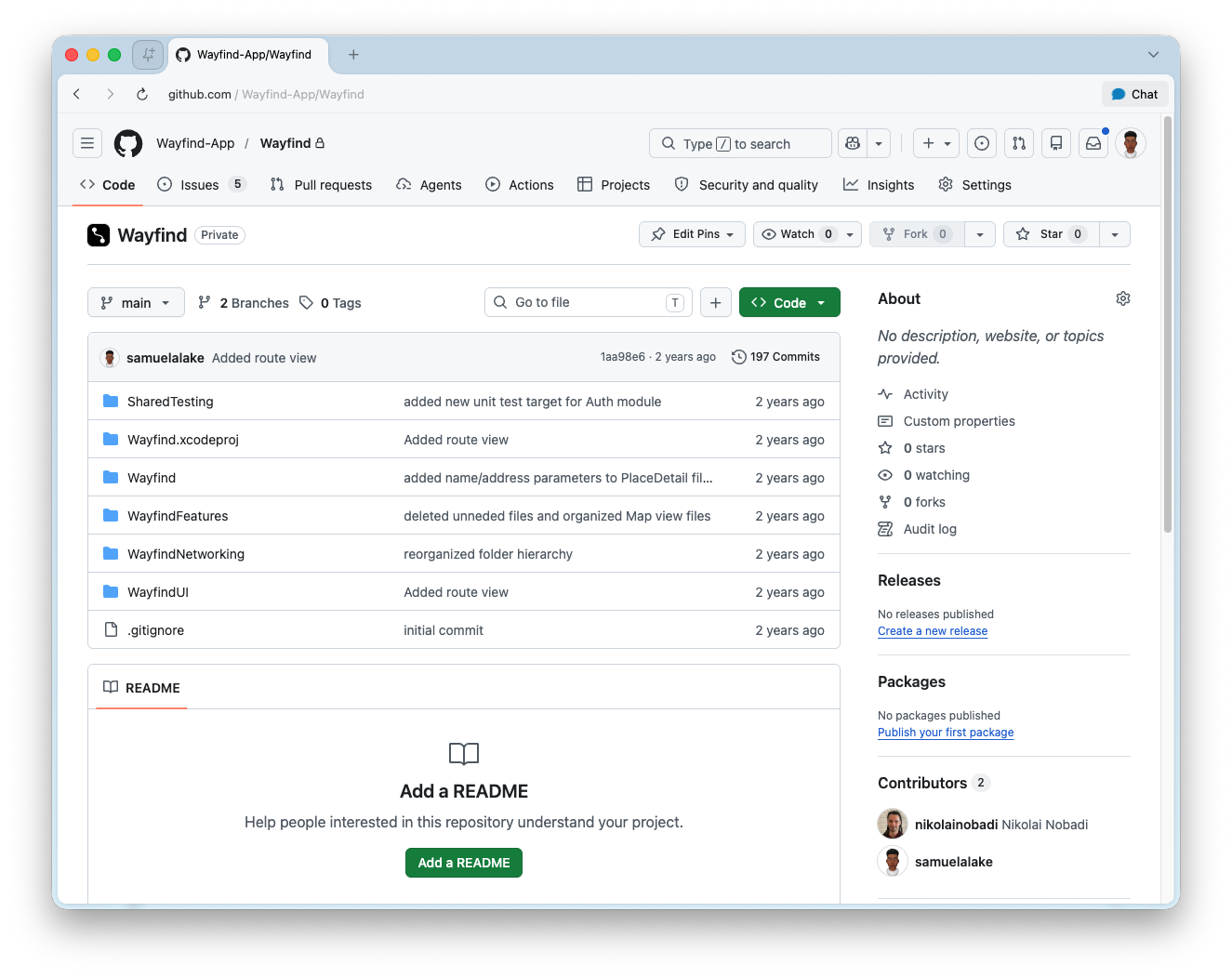
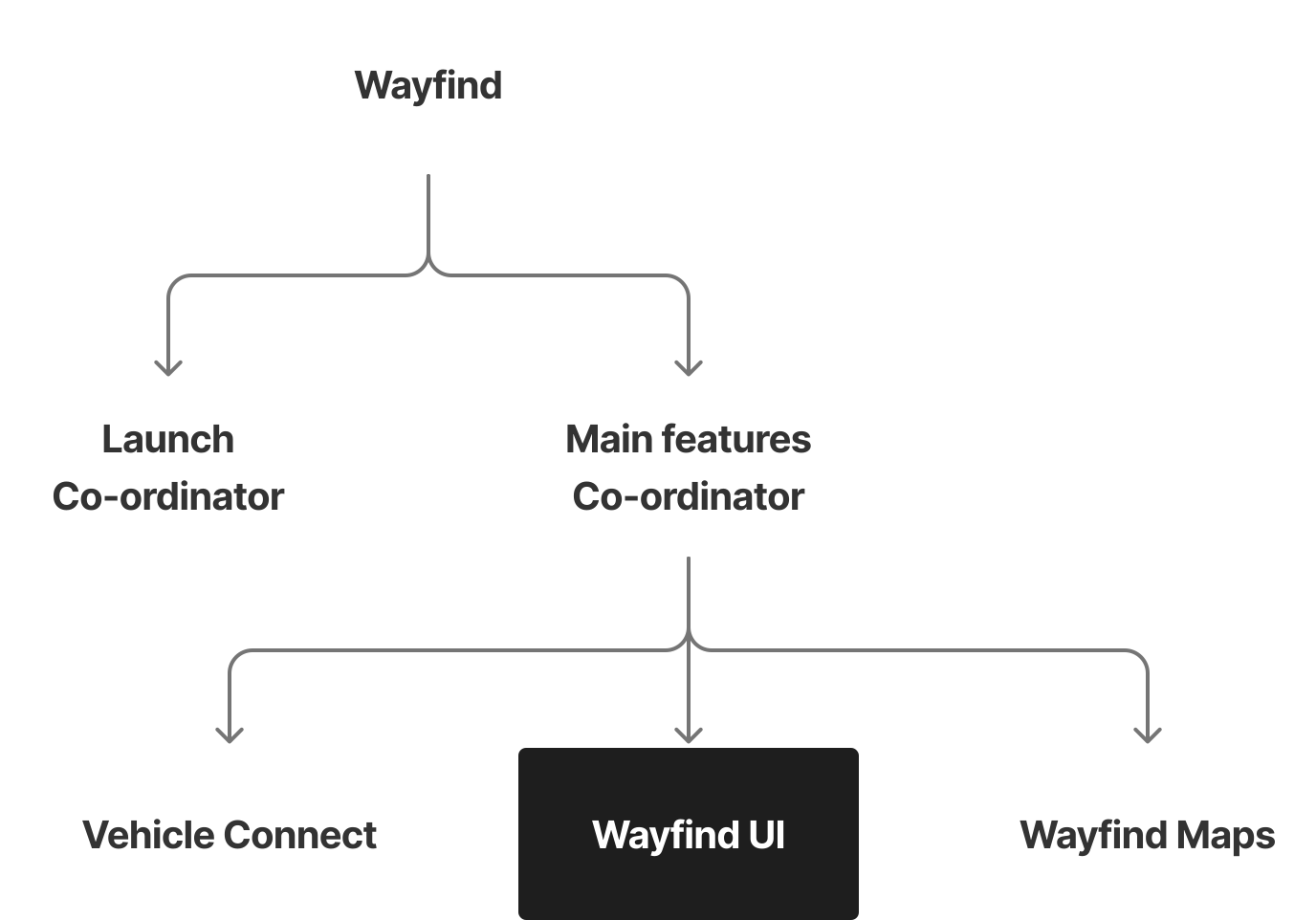
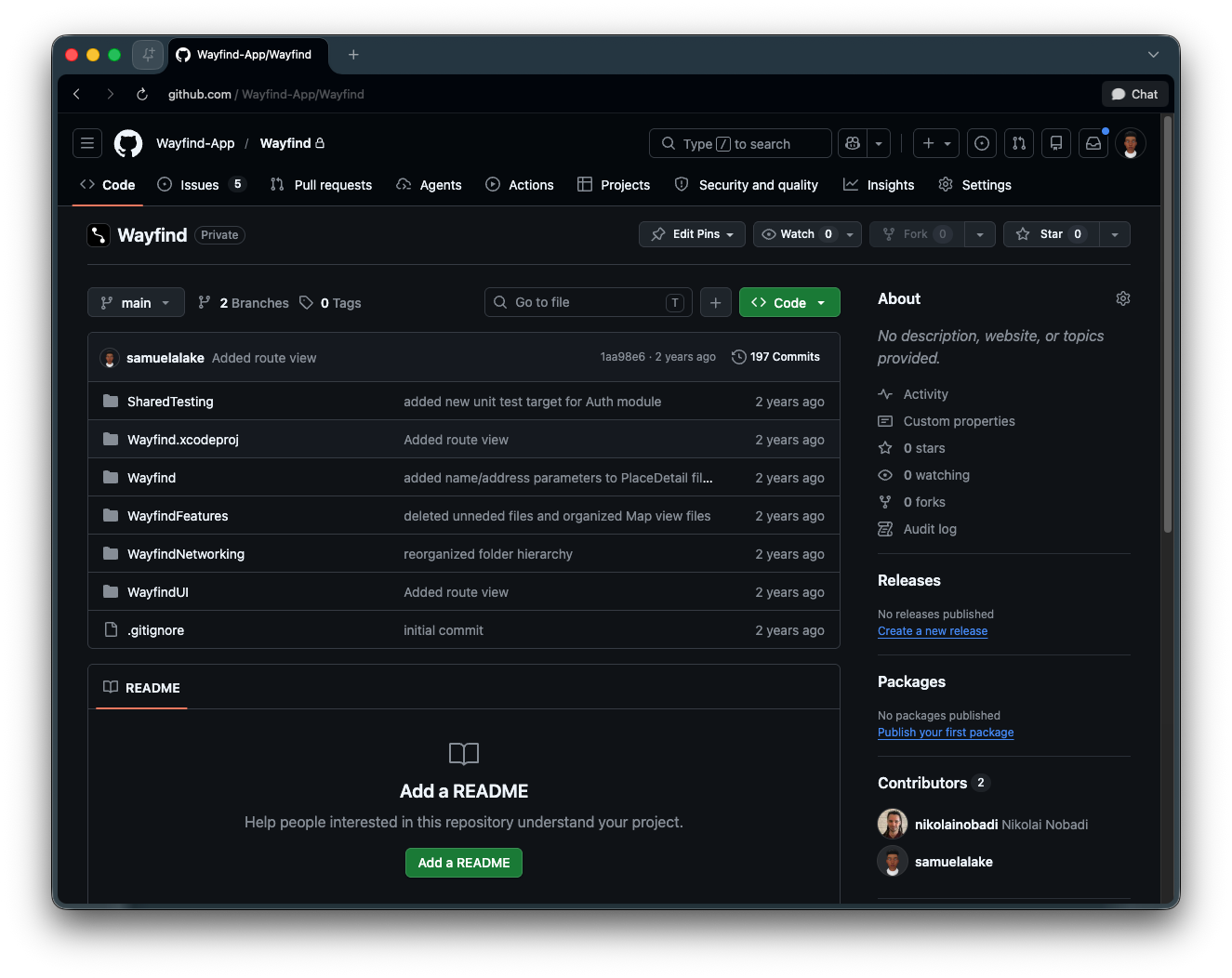
The SwiftUI UI library made the product tangible beyond Figma and ready to be integrated into the app. Later engineering work split the project into targets and modules so the UI library could move into the actual app. The modularity of the codebase helped me safely contribute to the work and continue driving it forward after engineering support ended.
Outcome
Wayfind did not become a public mobility app, but it became the project that clarified my design-engineering practice. By the end, the idea was tangible enough to critique, build on, and scope further.
It existed as Figma flows, SwiftUI surfaces, a UI library, and a modular codebase.
The strongest outcome was the design-to-code loop itself. I could move from a product opportunity into something that made the idea real, then use the constraints of implementation to sharpen the product direction.
Wayfind taught me an engineering lesson in separation of concerns and modularity. It also taught me an entrepreneurial lesson I still carry: product judgment is not only having good ideas and identifying gaps. It is knowing which constraints should shape the first version and having a clear plan to solve for them.